Booting from Battery
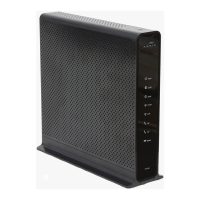
The TG862 supports a “Boot from Battery” feature that allows the Telephony Gate-
way to begin service without AC power.
To start the TG862 from its battery, follow these steps:
1 If a battery is already installed in the Telephony Gateway, remove it.
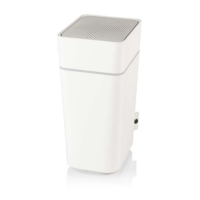
2 Re-insert the battery into the Telephony Gateway (see Battery Installation
and Removal for details).
3 Press the Reset button; the Power light should turn on immediately.
Touchstone TG862 Telephony Gateway User’s Guide
Safety
Getting
Started
Battery
Installation
Installation
Ethernet
Configuration Usage Troubleshooting Glossary
46









 To Next Page