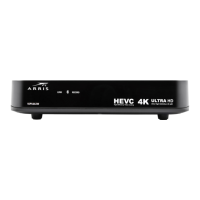
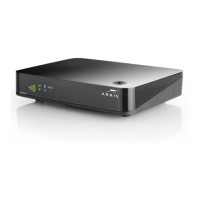
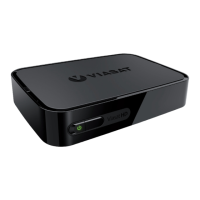
2 VIP2102 High-Definition IPTV Receiver Installation Manual
Overview
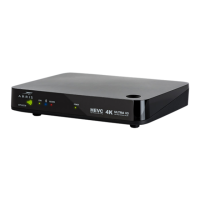
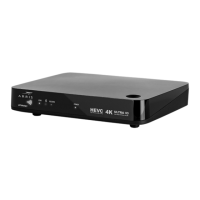
VIP2102 Front Panel
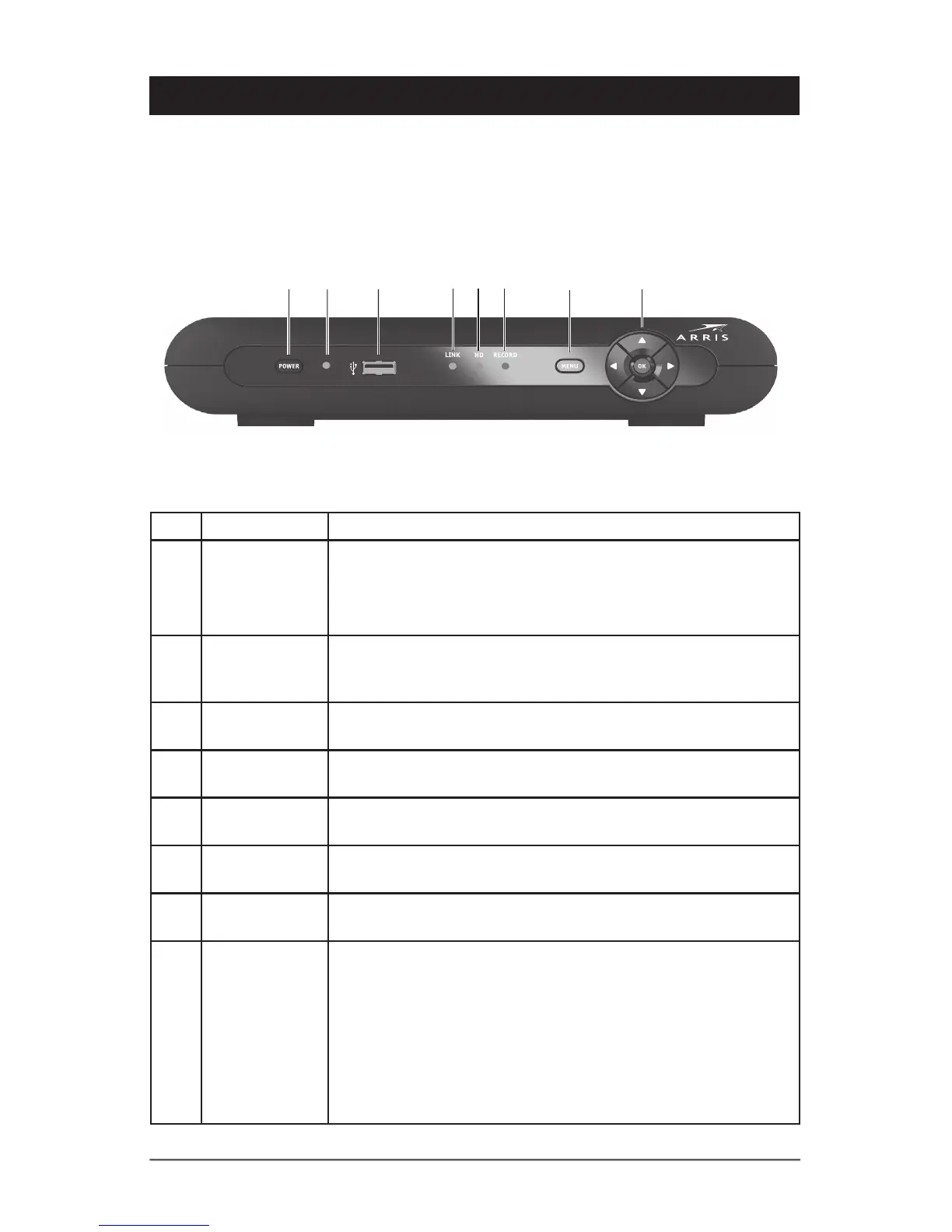
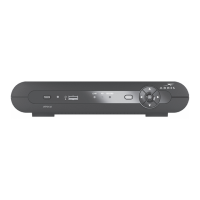
The illustration below and the table following it describe the functions and features of the
VIP2102 front panel. The Menu and navigation controls use Capacitive Sensing to sense
and respond to your finger when you touch the corresponding symbol on the front-panel
lens.
Key Item Function
1 POWER
Switch
Turns your IPTV receiver on or off
To restart/reset the IPTV Receiver, press and hold the
POWER switch for ten (10) seconds or longer
2 POWER
LED
Lights green when the IPTV Receiver is on
3 USB USB 2.0 connector
4 LINK Lights green when receiving a video stream
5 HD Lights blue when receiving video resolution of 720p or 1080i
6 RECORD Lights red when a recording is in progress
7 MENU Displays the menu on your TV screen
8 Up/Down
arrow keys
Left/Right
arrow keys
OK
center key
Touch to change the channel (channel up/channel down) and
to navigate through on-screen program guide and menu
Touch to navigate through on-screen program guide and
menu
Touch to select programs or menu options


 To Next Page