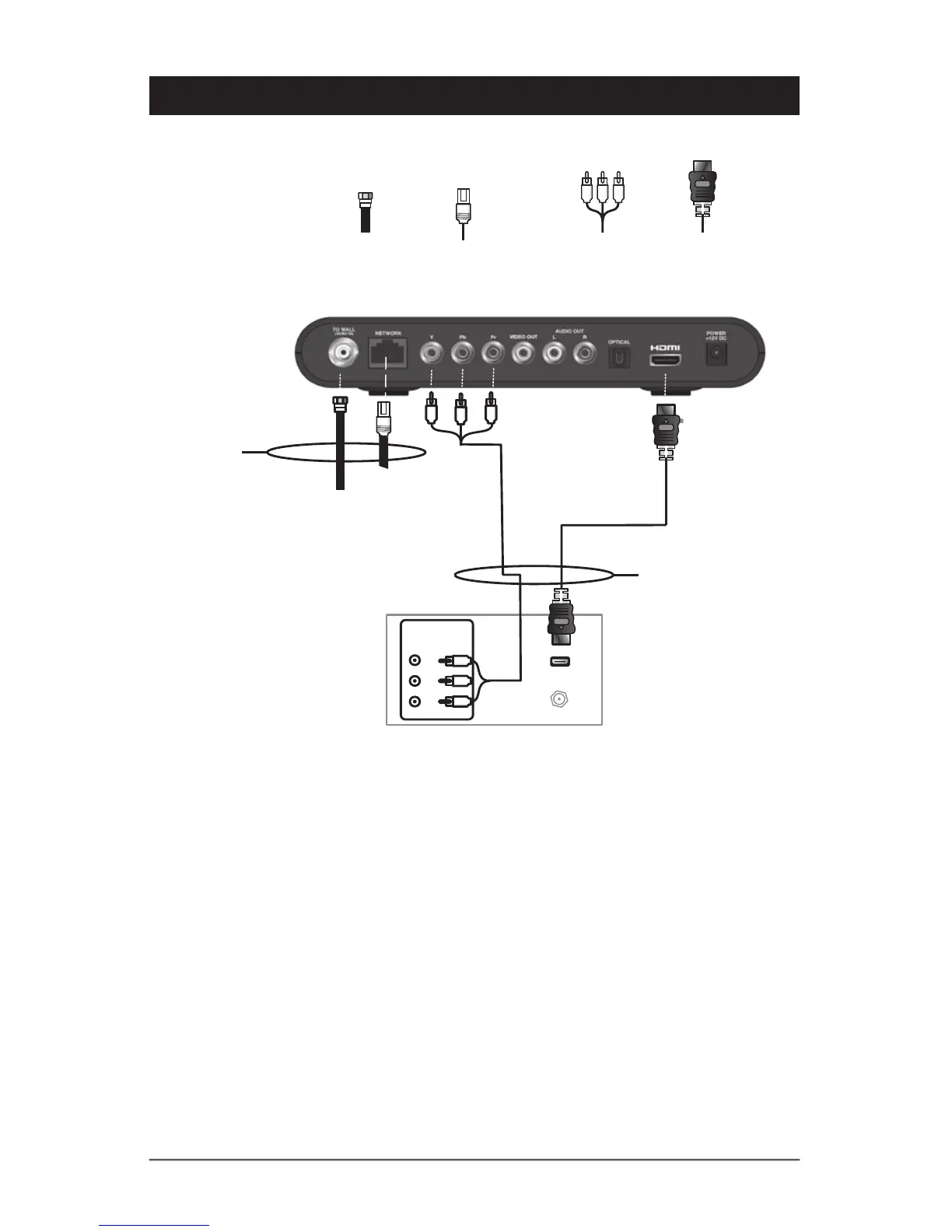
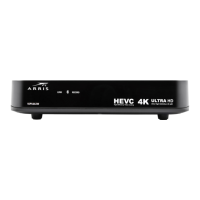
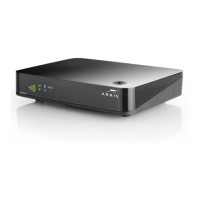
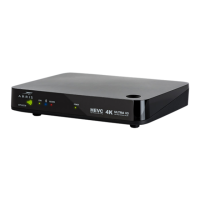
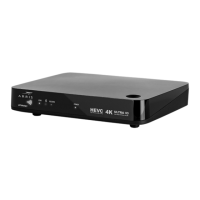
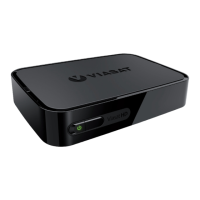
• Connect an RF coaxial cable between the cable wall outlet and the TO WALL (VIDEO
IN) connector on the IPTV Receiver, OR connect a CAT5 Ethernet cable between the
network wall outlet and the NETWORK connector on the IPTV Receiver.
• If your HDTV has an HDMI input, connect an HDMI cable to the HDMI connector.
HDMI connection carries both video and audio signals.
• If your HDTV has component video, connect component video cables to the Y, Pb, and
Pr connectors.
Component video carries video signals only. To connect the audio, refer to the following
page.


 To Next Page