2 VIP2502W Wireless IPTV Receiver Installation Guide
Overview
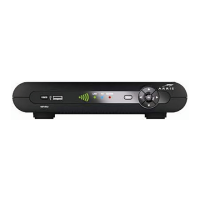
Front Panel
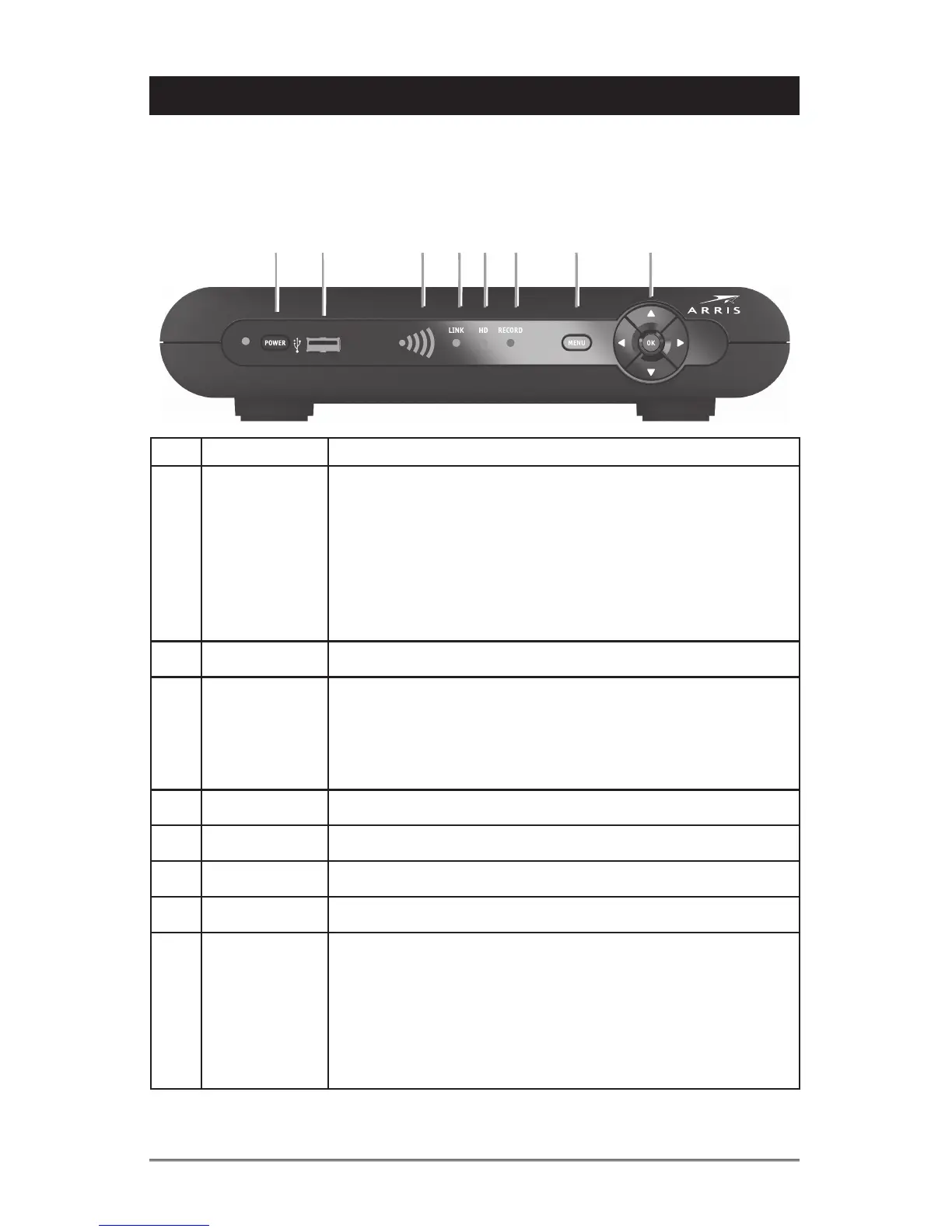
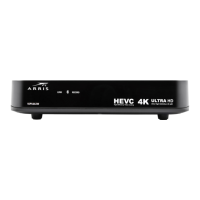
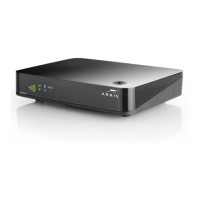
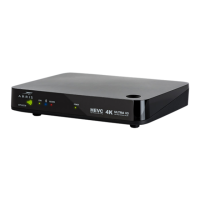
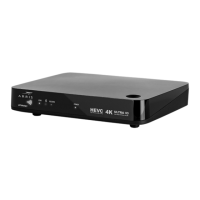
The illustration below and the table following it describe the front-panel features, controls
and indicator lights.
Key Item Function
1 POWER Press to turn the Wireless Receiver on or off
If held for ten (10) seconds or longer, restarts the wireless
receiver.
The LED (just to the left of the POWER key) lights green to
indicate the unit is powered on and active. When active, LED
flashes each time you press a key on the remote control.
LED lights orange to indicate the unit is in Standby mode.
2 USB USB 2.0 connector
3 SIGNAL
QUALITY
The signal quality display lights green to indicate signal
strength from your wireless Access Point device. From one
to five bars are lit, depending on the strength of the received
signal. When signal strength is low the bar may display as
amber (weak) or red (unusable).
4 LINK Lights green when receiving a video stream
5 HD Lights blue when receiving video resolution of 720p or 1080i
6 RECORD Lights red when a recording is in progress
7 MENU Displays the VIP2502W menu on your TV screen
8 Up/Down
arrow keys
Left/Right
arrow keys
OK
center key
Changes the channel (channel up/channel down)
Use to navigate through on-screen program guide and menu
Use to select programs or accept menu options
VIP2502


 To Next Page