AT32 Work Bench User Manual
2024.03.05 20 Ver 1.04
Code view
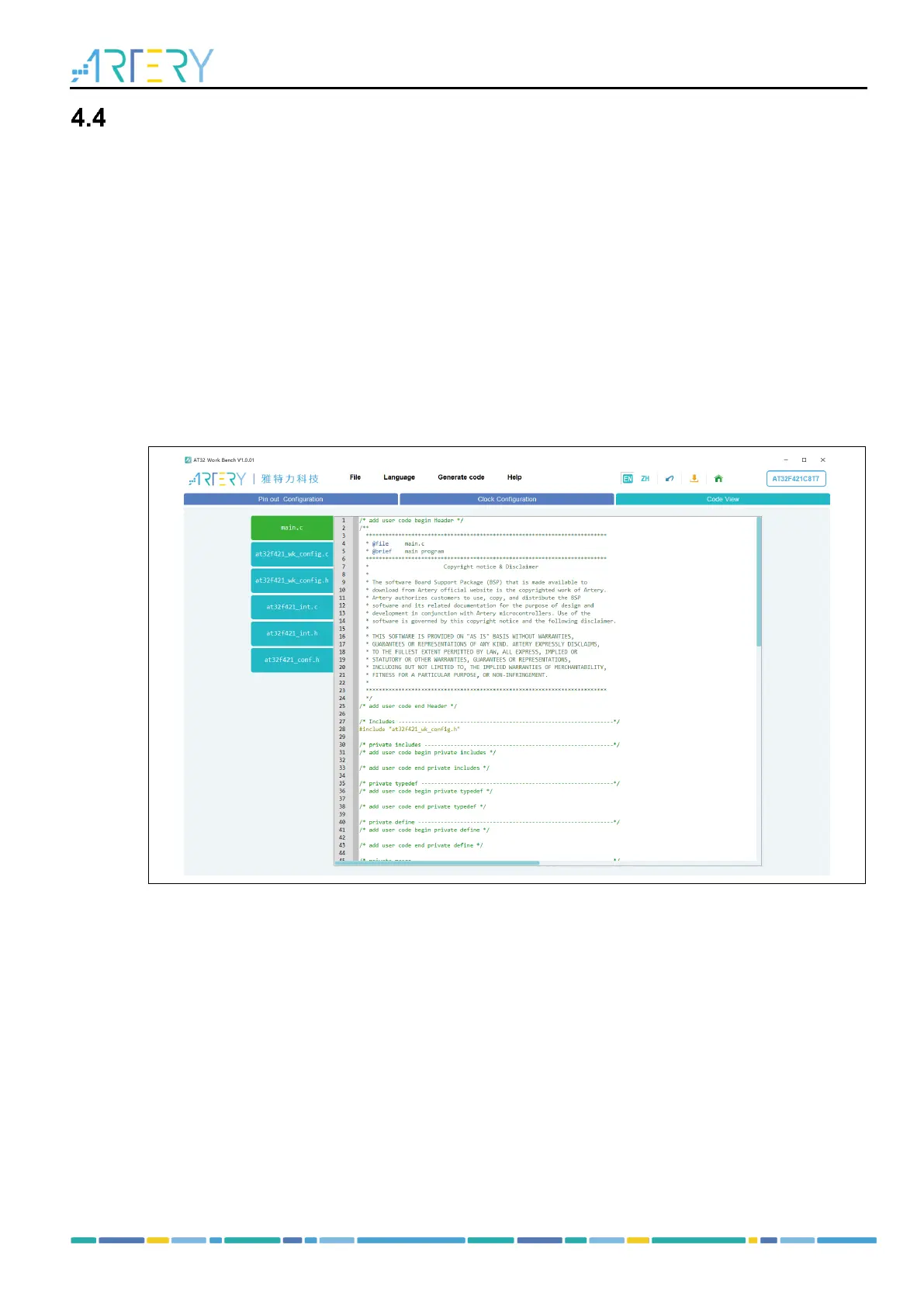
Click on the “Code View” to generate code automatically. Code files are listed in the left, and the
corresponding code is shown in the right window.
- main.c: main source file, which is used to call peripheral initialization functions.
- AT32xxxx_wk_config.h: header file for peripheral configuration, which is used for
declaration of each peripheral initialization function.
- AT32xxxx_wk_config.c: source code for peripheral configuration, which is used to define
each peripheral initialization function.
- AT32xxxx_int.h: header file of interrupt functions.
- AT32xxxx_int.c: source file of interrupt functions.
- AT32xxxx_conf.h: header file for library configuration.
Users can view the code generated automatically according to the current configuration.
Figure 20. Code view
Users can press the Ctrl + scroll mouse wheel to adjust the code view size, and use the right click
menu to:
- Fold all: fold code to view its structure;
- Expand all: expand all folded code;
- Copy: cope the selected code;
- Select all: select all of the code.



 To Next Page