AT32 Work Bench User Manual
2024.03.05 6 Ver 1.04
2 Installation
Set up AT32 Work Bench on Windows
Run the executable AT32_Work_Bench.exe directly, without the need for installation.
Set up AT32 Work Bench on Linux
This software supports Ubuntu 16.4 and above.
Installation methods on Linux: dpkg command and graphical installation.
dpkg command
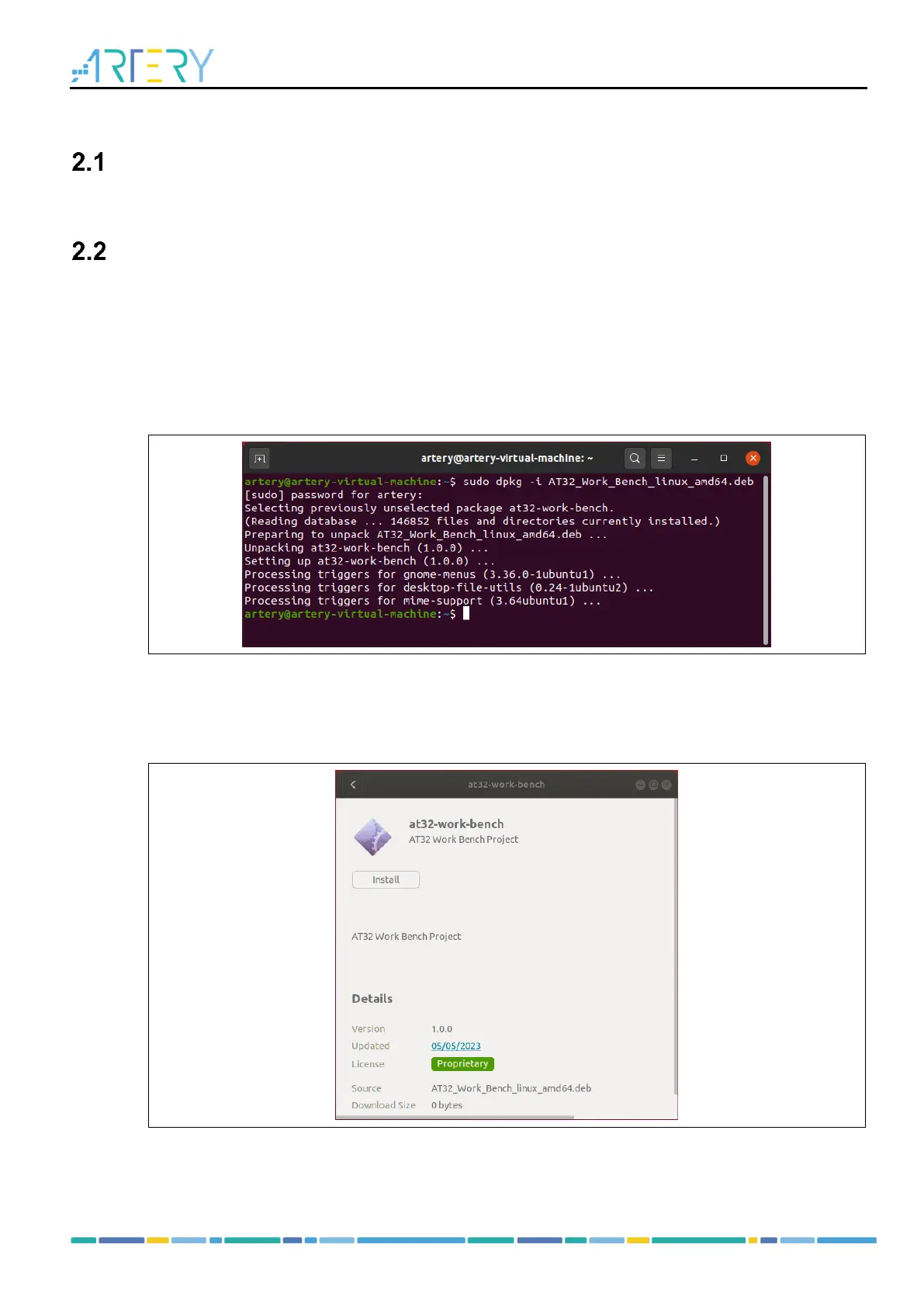
As shown in Figure 1, enter the following command in the terminal for setup:
sudo dpkg –i AT32_Work_Bench_linux_amd64_V1.0.0.deb
Figure 1. dpkg command in Linux
Graphical installation
Copy the AT32_Work_Bench_linux_amd64_V1.0.0.deb to Linux and double click. Then, click on the
“Install”, as shown in Figure 2.
Figure 2. Graphical installation
After the installation is complete, click the "All Programs" button at the bottom of the left taskbar,
find and click on the "AT32 Work Bench" in the program list to start AT32 Work Bench.



 To Next Page