AT32 Work Bench User Manual
2024.03.05 7 Ver 1.04
3 Getting started
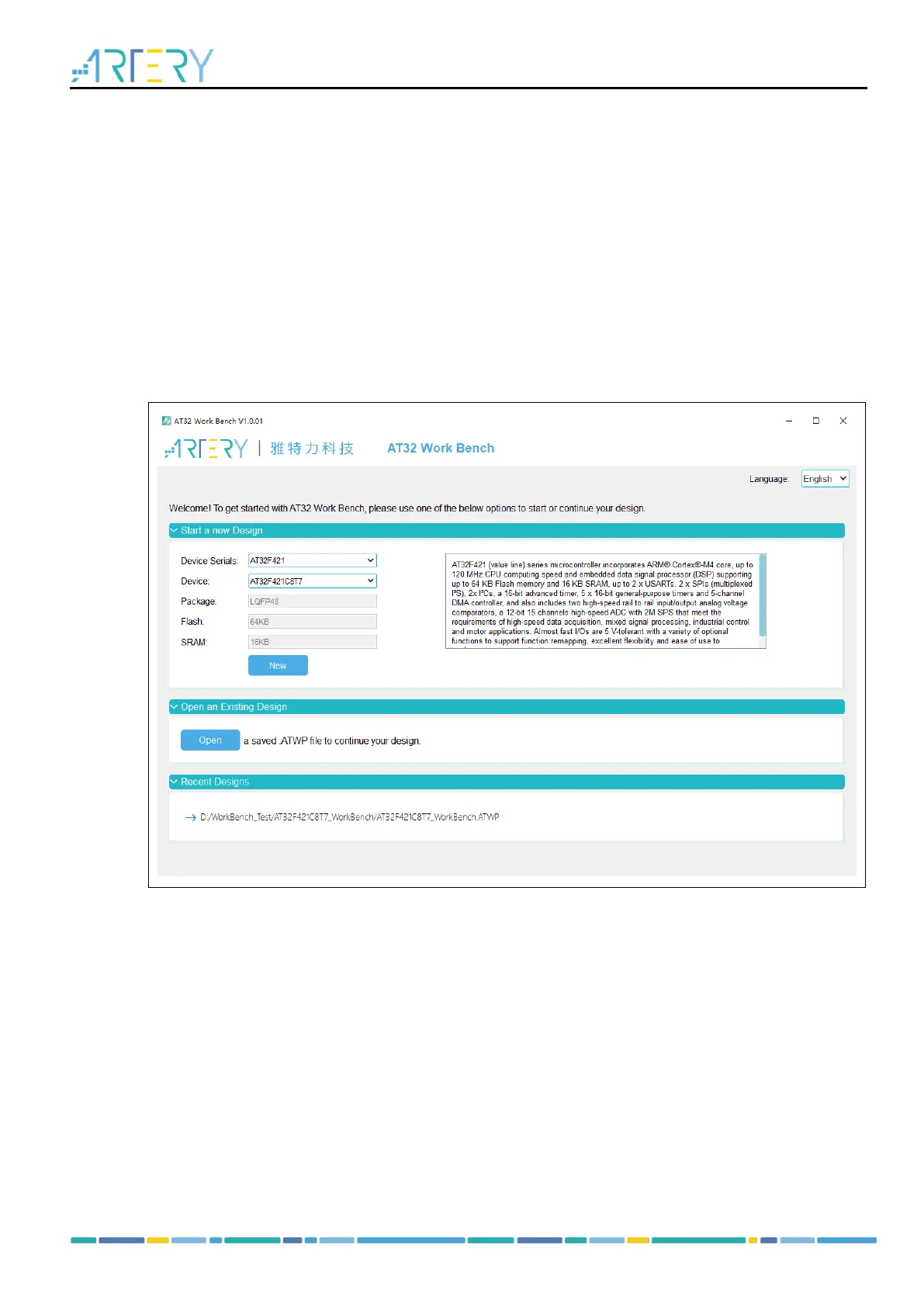
The getting started page is the first window that opens when AT32 Work Bench is started. It
includes three options, i.e., “Start a New Design”, “Open an Existing Design” and “Recent Designs”.
Start a new design
Select the MCU serials and model, and the package, Flash and SRAM are filled in automatically
according to the model. Click on “New” to create a new project.
Open an existing design
Users can find a saved project through File Explorer and then open it (*.ATWP file).
Recent designs
It displays a list of recently created projects. Users can select one to open.
Figure 3. Getting started page



 To Next Page