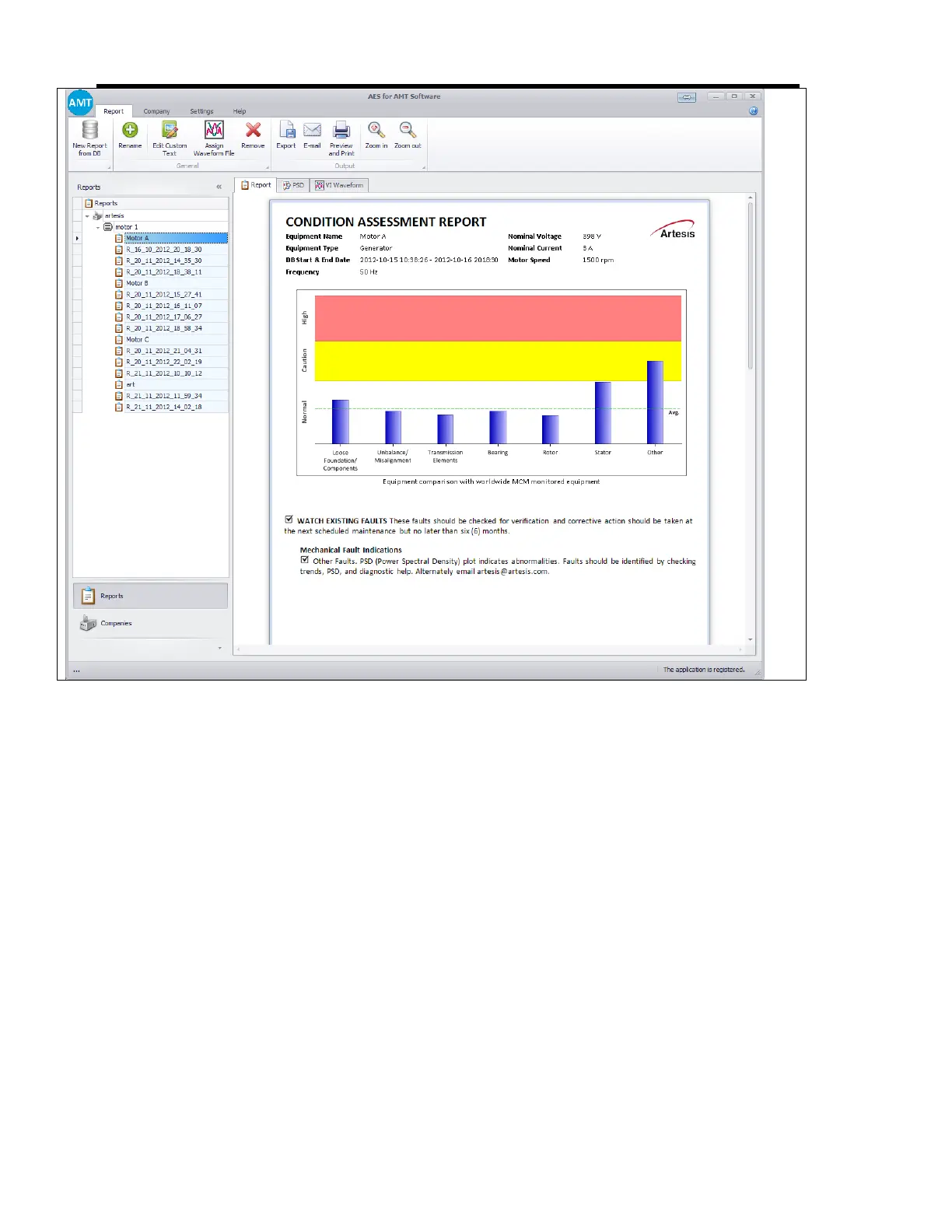
AES for AMT Software
44
1. Removing a report: Any report on the left pane can be removed by pressing ‘Delete’
key on the keyboard or by clicking ‘Remove’ button on the ‘Report’ ribbon bar.
2. Renaming a report: A report can be renamed by clicking ‘Rename’ button on ribbon
bar or by right-clicking on the report and selecting ‘Rename’ from the context menu.
A description can be added from the same popup window which is just opened to
rename the report.


 To Next Page