AES for AMT Software
45
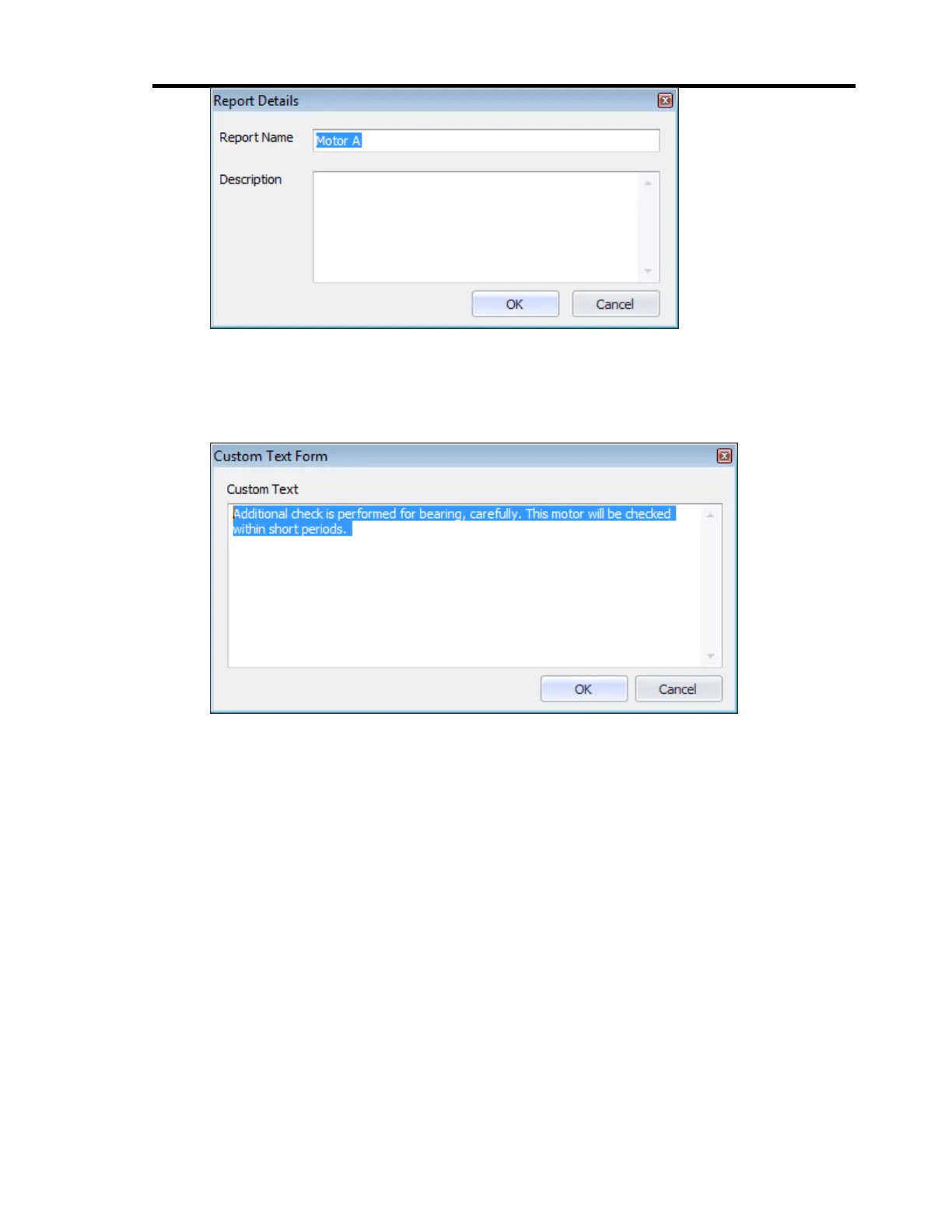
3. Adding custom text: Custom text on the report can be added or edited by clicking
‘Edit Custom Text’ button on ribbon bar or by right-clicking on the report and
selecting ‘Edit Custom Text’ from the context menu.
4. Assigning a waveform file: A text based waveform file can be assigned by clicking
‘Assign Waveform File’ button on ribbon bar or by right-clicking on the report and
selecting ‘Assign Waveform File’ from the context menu.
5. Viewing a report: A report can be viewed by double-clicking on it. The report will
appear on the right pane.
6. Exporting a report: A report can be exported as pdf file, e-mailed as attachment or
previewed to print using the ‘Export’, ‘E-Mail’, and ‘Preview and Print’ buttons on
the ribbon bar, respectively.


 To Next Page