14 ARTURIA – KeyStep – USER’S MANUAL
Each button has an addition function when creating a sequence (Append, Clear Last, and
Restart). These features will be described in detail in section 5.2.1.
2.2.3.1 All Notes Off
The Stop button has an additional function. If for some reason you end up with a stuck
note, just press the Stop button quickly three times in a row. KeyStep will then send an
All Notes Off command over MIDI.
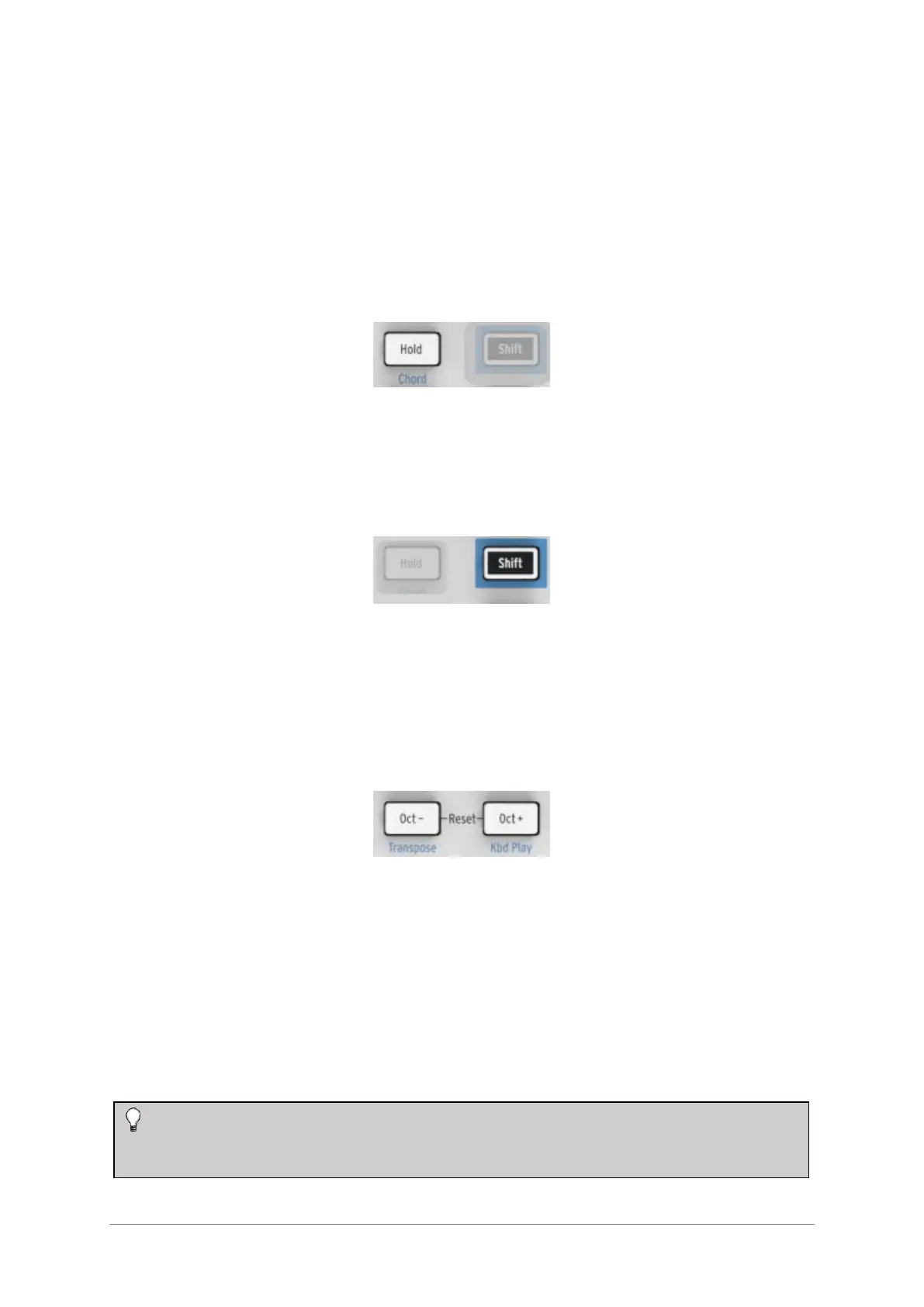
2.2.4 Hold / Chord button
The Hold button enables you to add more notes to the arpeggiator while it is running (up
to 32!). It is also used with the Shift button to toggle Chord mode on and off.
There’s more information about the Hold and Chord modes in chapters 3 and 4.
2.2.5 Shift button
The Shift button allows access to secondary functions such as Chord mode and the MIDI
channel setting for the keyboard. It also can be used to modify the feel of the sequence
“on the fly” by changing the Swing and Gate time settings. All of these features involve
holding the Shift button and pressing another button or a key.
For a complete chart of Shift functions, see section 4.4.
2.2.6 Oct -/+, Transpose, Kbd Play
These buttons are a quick way to shift the keyboard in octave increments. The further
you shift from the center, the faster they flash. Maximum transposition is +/- 4 octaves.
Press both buttons at the same time to reset the keyboard to its center octave.
The blue letters under the buttons tell you that the Shift and Oct–/Oct+ buttons are used
together to change the way the keyboard behaves while a sequence is running:
Shift + Oct Minus Transpose mode: the keys will transpose the sequence while it
is running.
Shift + Oct Plus Kbd Play mode: The keys are able to play independently in
addition to the part the sequencer is playing. It is possible to specify a separate MIDI
channel for Kbd Play mode.













 To Next Page