54 ARTURIA – KeyStep – USER’S MANUAL
10.7.1 Navigation
10.7.1.1 Scroll
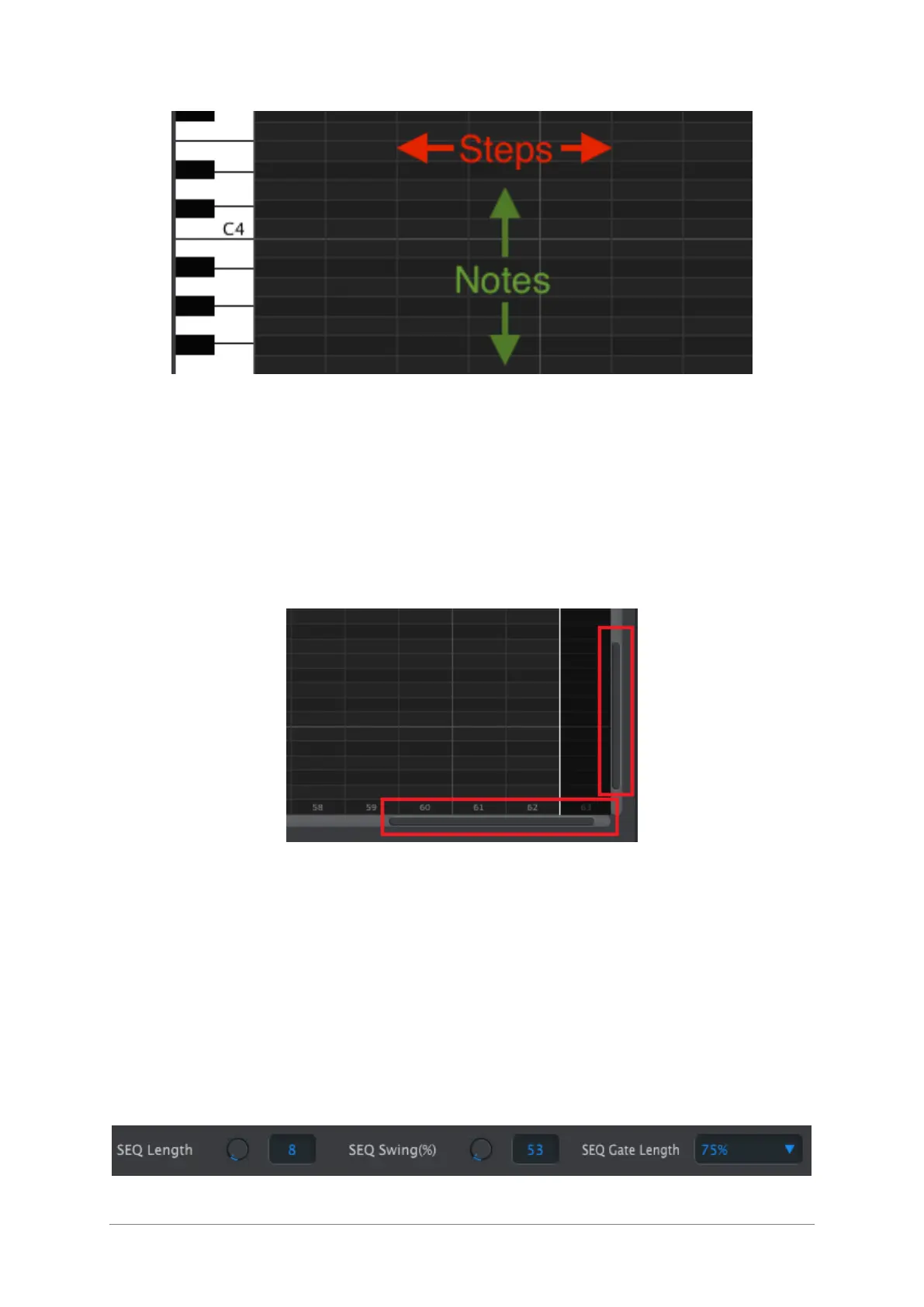
If you have a scroll wheel you can move the piano roll view up and down. Place the
cursor in the piano roll field first, not over the keyboard graphic.
If you hold the Shift key on your computer keyboard the piano roll will move sideways.
You can also click/drag the scroll bars at the edge and bottom of the window to
reposition the sequence view.
Scroll bar locations
10.7.1.2 Zoom
To zoom in and out of the horizontal view, place the cursor in the piano roll field. Then
press Command (Mac) or Control (Windows) and use the scroll wheel to adjust the view.
To zoom in and out of the vertical view, place the cursor over the keyboard graphic first.
Then press Command (Mac) or Control (Windows) and use the scroll wheel to zoom in
and out.
10.7.2 Per-sequence parameters













 To Next Page