36 ARTURIA – KeyStep – USER’S MANUAL
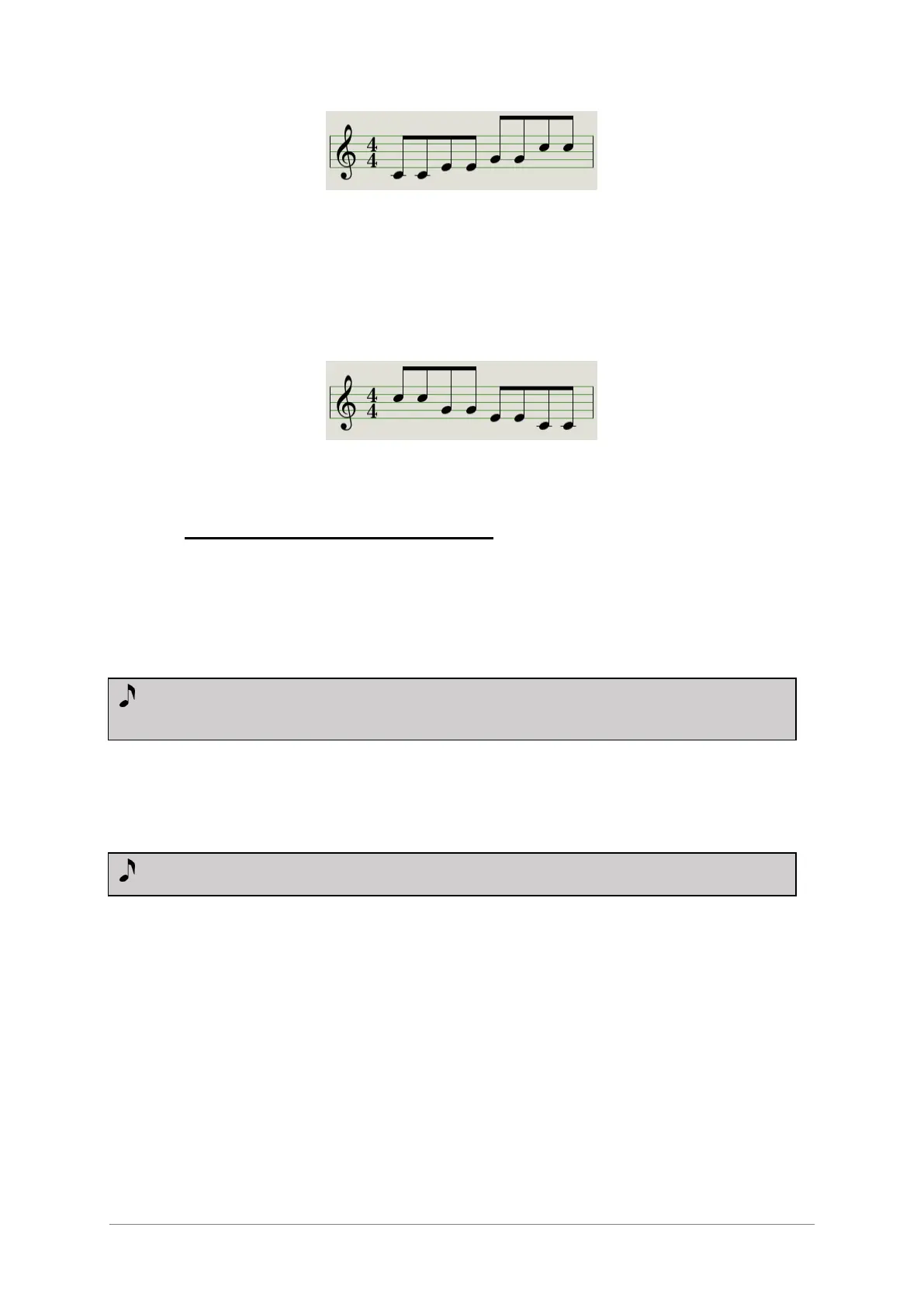
Arp Mode: Up x2
6.3.9 Arp Mode: Down x2
With the Arp mode encoder set to Dwn x2 the arpeggiator will play the held notes in
order from the top to the bottom. But unlike the Dwn mode it will play each note twice
before the next note plays.
Arp Mode: Down x2
6.4 Build a multi-octave arpeggio
Having read section 3.3.6 you already know that the Hold button allows you to keep the
arpeggiator running after you take your fingers off the keys.
But there’s a second use for the Hold button: when Hold mode is active, you can keep
adding notes to an arpeggio as long as you continue holding down at least one key.
6.4.1 Add up to 32 notes
You can add as many as 32 notes to your arpeggio. Here’s an example of how to do it.
Move the Seq / Arp toggle switch to Arp
Press the Play / Pause button to start the arpeggiator
Press the Hold button
Press one or more keys; the arpeggio will play those notes.
Keep at least one key down and then press the Oct+ button.
Add more notes the arpeggio from the higher octave.
Being sure to keep at least one key pressed, press the Oct- button.
Add more notes the arpeggio from the lower octave, and so on.
You can keep adding notes to the arpeggio for quite a while: the limit is 32 notes.
When you are done adding notes, you may release all keys. The multi-octave arpeggio
will continue until you press another key or stop the arpeggiator.













 To Next Page