ARTURIA – KeyStep – USER’S MANUAL 59
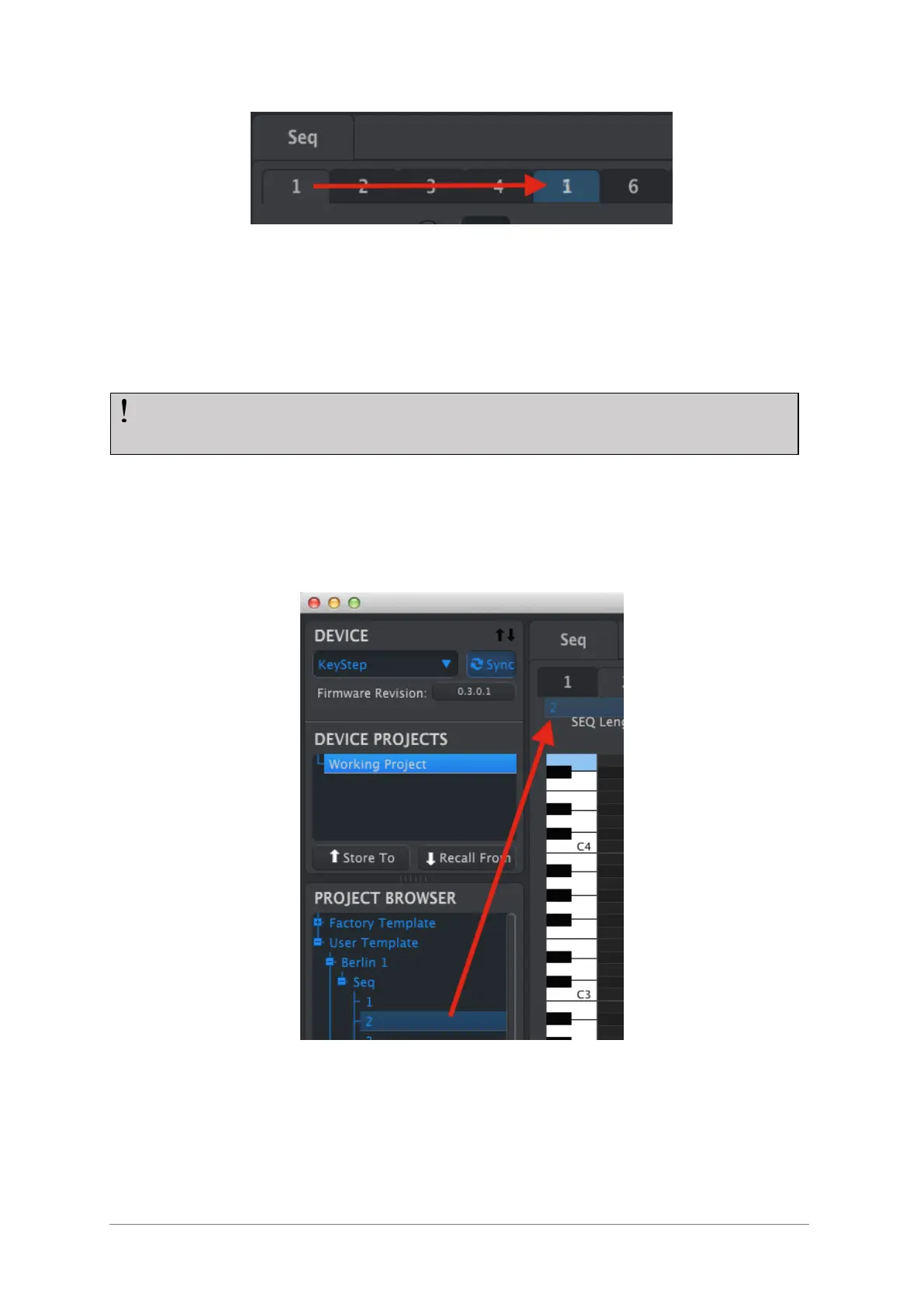
Click and drag to copy Seq 1 to the Seq 5 location.
10.8.2 Drag/drop onto a tab
It’s possible to build a ‘Greatest Hits’ group of sequences inside your KeyStep using
sequences from different Templates.
Here’s how to do this:
Select a sequence by opening its Template in the Project Browser
Click and drag it onto the desired Seq tab
Repeat the process with the next seven sequences.
Click/drag an archived Seq to a tab in the Seq Editor window.
After you’ve gathered your eight favorite sequences onto the tabs be sure to use the
Save As… button to store them as a new Template in the Project Browser.
If the MCC and KeyStep have been synced this process will overwrite the target
sequences in the KeyStep internal memory.













 To Next Page