10 | Mobility Master Hardware Appliance Aruba Mobility Master Hardware Appliance | Installation Guide
Console Port
Use the serial CONSOLE port to allow direct local management. This port is a RJ-45 female connector
that accepts an RS-232 serial cable with a male connector. See Figure 3.
Figure 3 Serial Console Port Pin-Out
The communication settings for the Console port is shown in the following table:
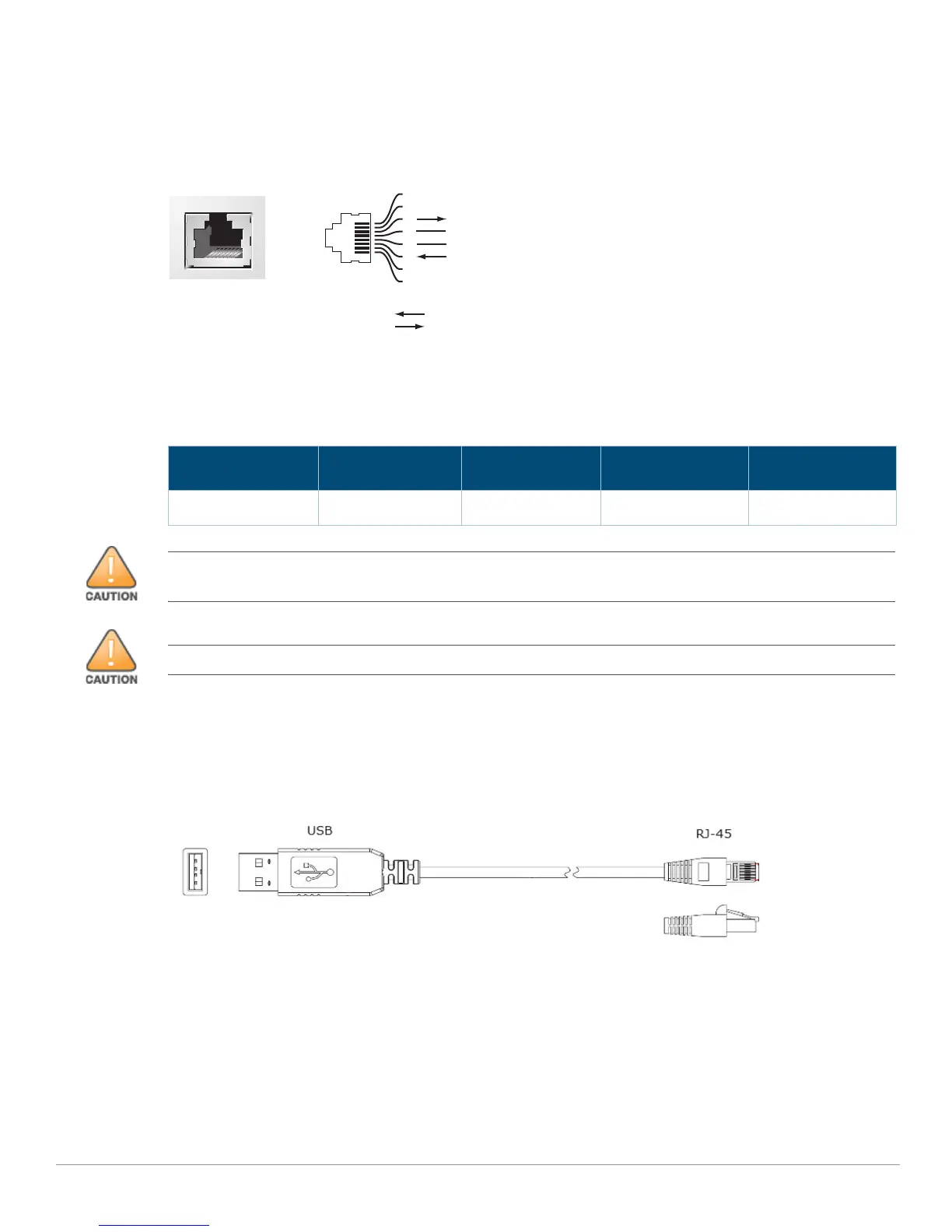
USB to Serial Interface Cable
A USB to serial interface cable can be used to connect the serial console port of the Mobility Master
hardware appliance to a USB port of laptop or PC. See Figure 4.
Figure 4 USB to Serial Interface Cable
Management Port
The Mobility Master hardware appliance is equipped with a 10/100/1000BASE-T Gigabit Management
(RJ-45) port.
The management port provides 10/100/1000 Mbps Ethernet access to the Mobility Master hardware
appliance CLI, SNMP, and Web interface for complete system management and troubleshooting. It
can also be used to connect to a separate management network.
Table 7 Console Terminal Settings
Baud Rate Data Bits Parity Stop Bits Flow Control
9600 8 None 1 None
Serial
Console Port
1
2
3
4
5
6
7
8
TxD
GND
RxD
RJ-45 Female
Pin-Out
Direction
Input
Output
GND
The CONSOLE port is compatible only with RS-232 devices. Non-RS-232 devices, such as APs, are not
supported.
Do not connect the Console port to an Ethernet switch or a PoE power source. This may damage the appliance.



 To Next Page