Aruba Mobility Master Hardware Appliance | Installation Guide Mobility Master Hardware Appliance | 11
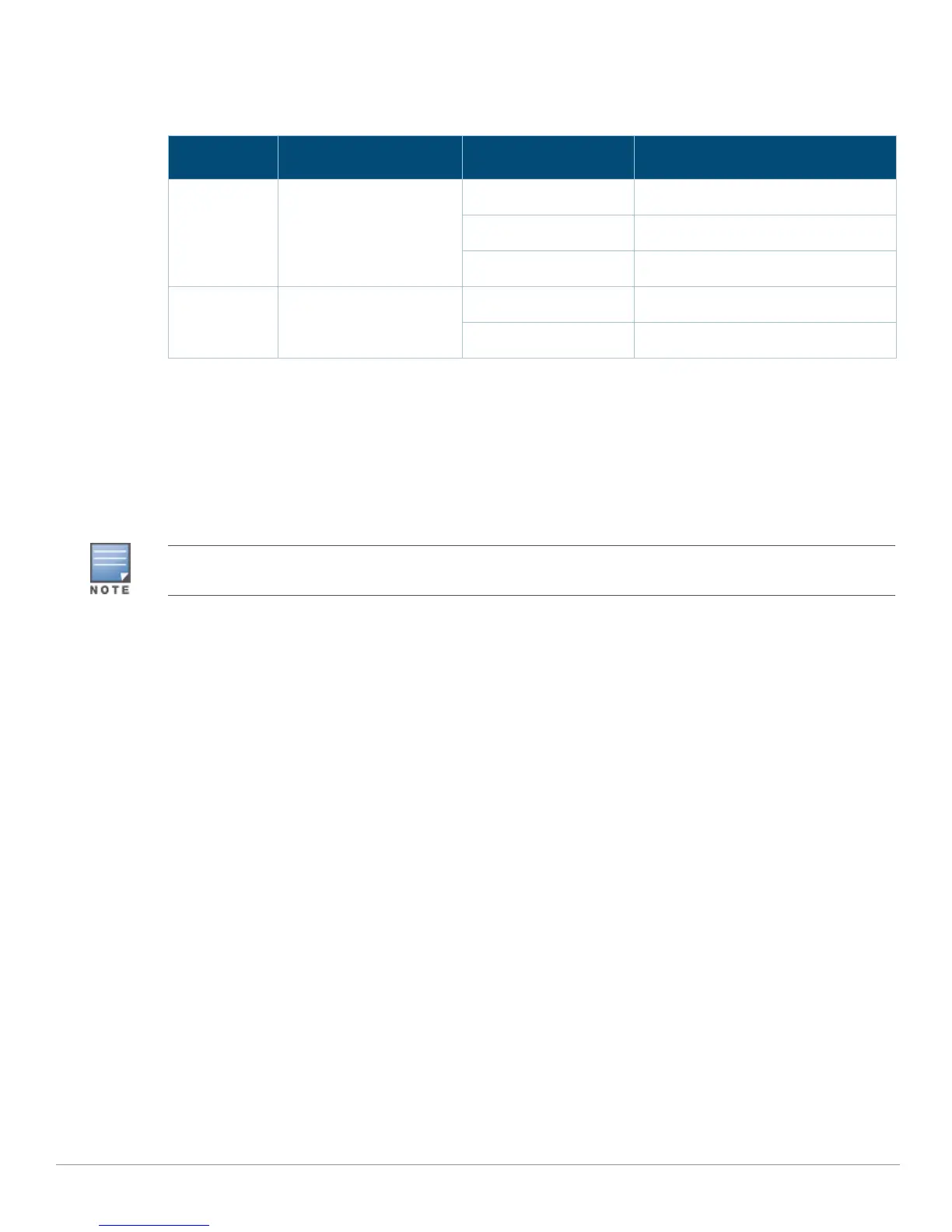
The management port has an LINK LED on its left side and SPEED LED on its right side. During
operation, these LEDs provide status information as shown in the following table:
Fan Module
The Mobility Master hardware appliance is equipped with three field-replaceable, hot-swappable fan
modules. Each fan module features a fan that pull air through the chassis from the front through to
the rear. The LED behavior on the fan module is as follows:
Green - Fan module is operational
Red - Fan module is faulty
Hot Swapping
Hot swapping allows you to replace a failed fan tray, making it unnecessary to shut down the Mobility
Master hardware appliance during the replacement procedure.
PSU 0 and 1
The Mobility Master hardware appliance is equipped with two 400W power supply, which is an
autosensing, load-sharing, redundant power supply module that supports an input voltage of 100
VAC to 240 VAC. Each power supply has a country-specific power cord for connection to an AC power
outlet. The appliance can operate with one or two active power supplies, depending on the demands
of your configuration. The following sections describe features of the 400W AC power supply:
Load Sharing
Load sharing occurs when more than one power supply of the same rating is installed in the Mobility
Master hardware appliance and turned on. Load sharing divides the total power load of the appliance
among all available power supplies. Since the power supplies work together, the effective power
capacity of the appliance is increased with each additional power supply.
Redundancy
With power redundancy, the Mobility Master hardware appliance can continue normal operation
even when a power supply fails or is turned off. When multiple power supplies are installed, if one
becomes unavailable (fails, or is turned off or removed) the remaining power supplies will attempt to
provide full power for the device. If the device’s total power load does not exceed the combined rated
output of the remaining, operational power supplies, the appliance will continue to operate.
Table 8 10/100/1000BASE-T (RJ-45) Management Port
LED Function Indicator Status
LINK Link Status Information Green (Solid) Link established, but no traffic
Green (Blinking) Port is transmitting or receiving data
Off No link
SPEED Interface Speed Green (Solid) Link at 1000 Mbps
Off Link at 10/100 Mbps
The Mobility Master hardware appliance is not compatible with fan module from other Aruba hardware
platforms.



 To Next Page