11
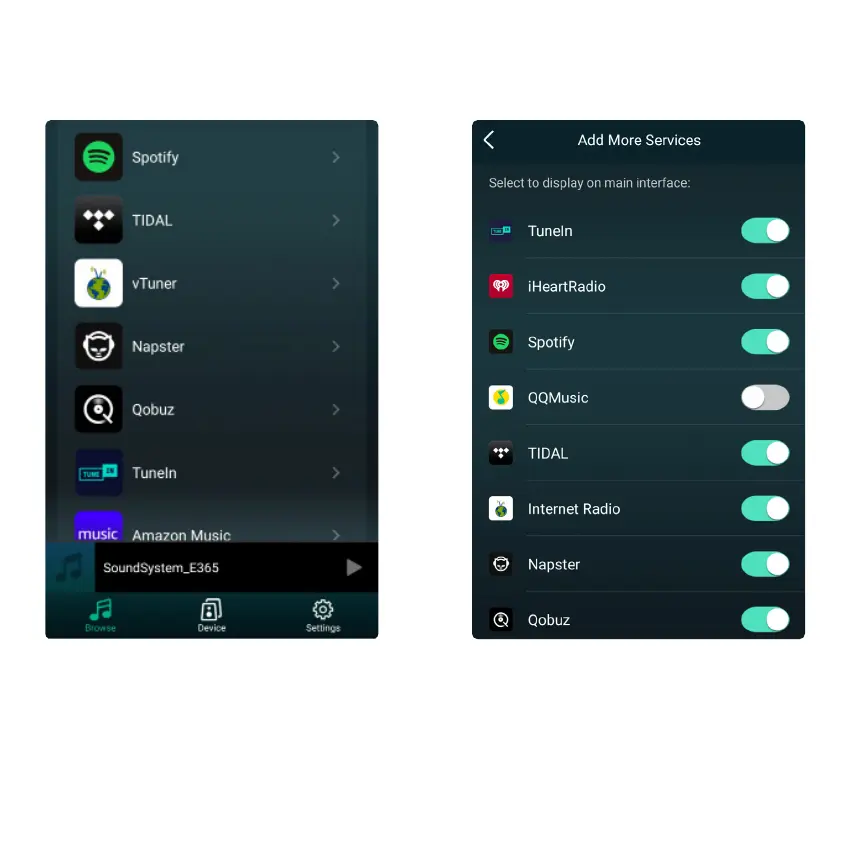
To use the online streaming services, iHeartRadio, Spotify, TIDAL and Qobuz may need to register account
at the service provider platform.
Listen out loud with Spotify Connect
1. Connect your device to your WiFi network
2. Open up the Spotify APP on your phone, tablet or laptop using the same WiFi network
3. Play a song and select Devices Available.
4. Select your device and start listening.
8.4 Streaming Services
8.4.1 Spotify



 To Next Page