127
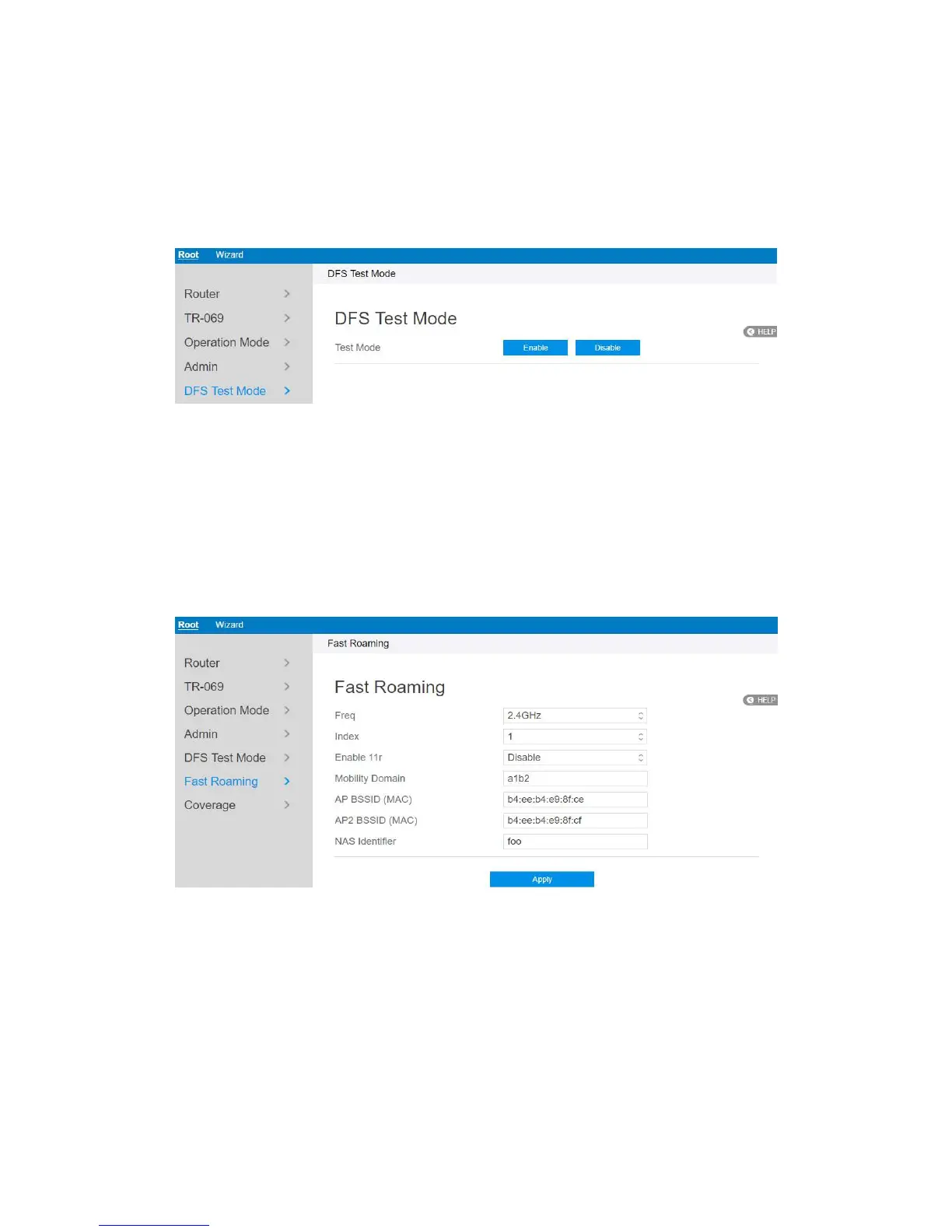
3.6 DFS Test Mode
This module is used to test wireless switch.
1. From the navigation panel, go to Root > DFS Test Mode.
2. Test Mode: Enable or disable DFS test mode.
3.9 Fast Roaming
Set up fast roaming for smooth client roaming between SSIDs.
Steps to set up Fast Roaming:
1. From the navigation panel, go to Root > Fast Roaming.
2. Freq: Select 2.4GHz or 5GHz WiFi frequency to configure.
3. Index: Select which index to configure.
4. Enable 11r: Enable or disable 11r (Fast Roaming).
5. Mobility Domain: Set 11r mobility domain.



 To Next Page