8
2 Normal User Settings
The wireless router contains an intuitive graphical user interface (GUI) based on web,
which allows administrator to easily configure its features through a web browser.
2.1 Login
1. Open a web browser, then key in the router’s default IP address:
http://192.168.1.1, and click Enter key in the keyboard;
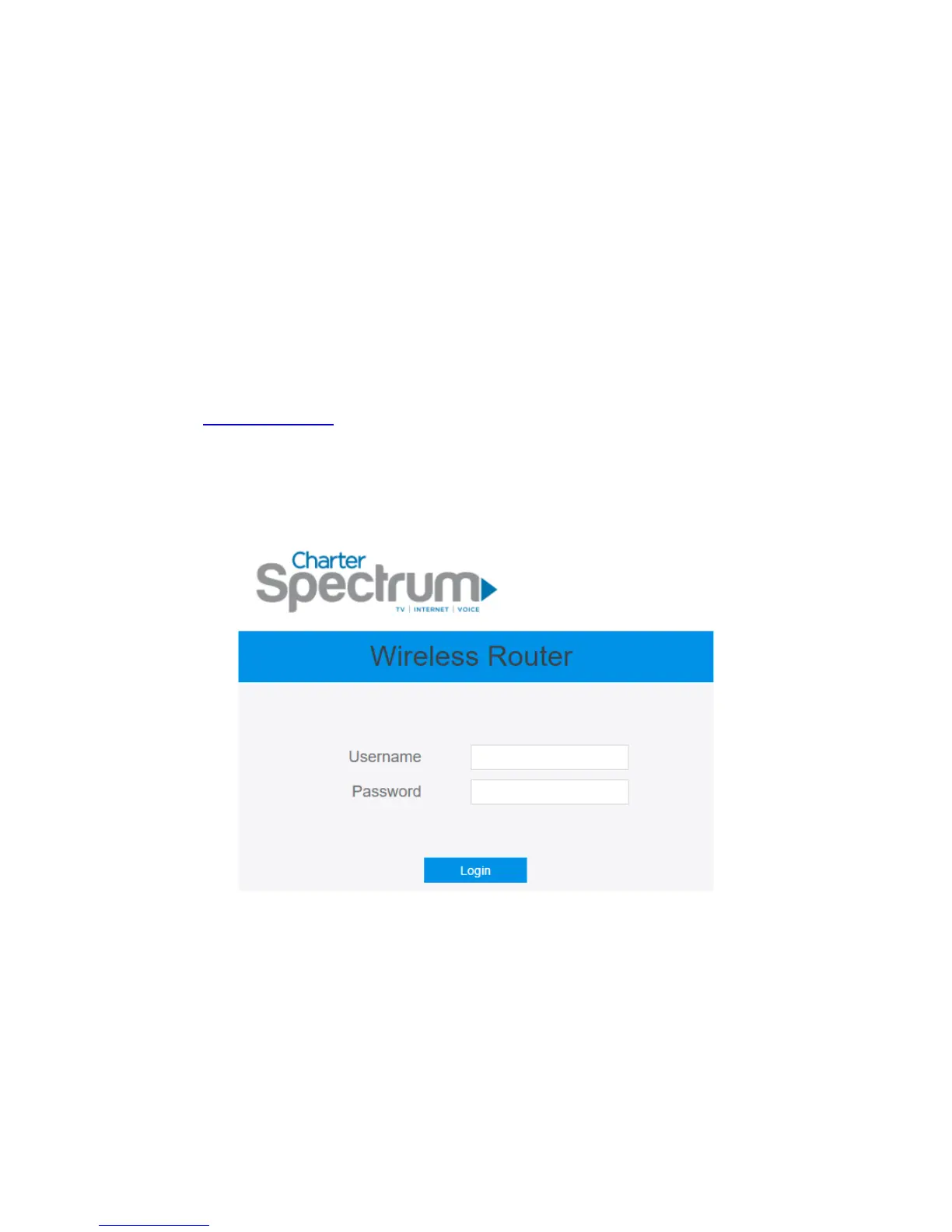
2. On the login webpage, type in its default Username: admin and Password: admin,
then click Login button.
After administrator has logged in the router, some basic information on it will be
displayed by the browser.



 To Next Page