28
2.3.6 Services
2.3.6.1 USB Printer Sharing
USB Printer sharing allows administrator to plug a USB printer to router’s USB port
and set up the print server.
Steps to set up USB Printer sharing:
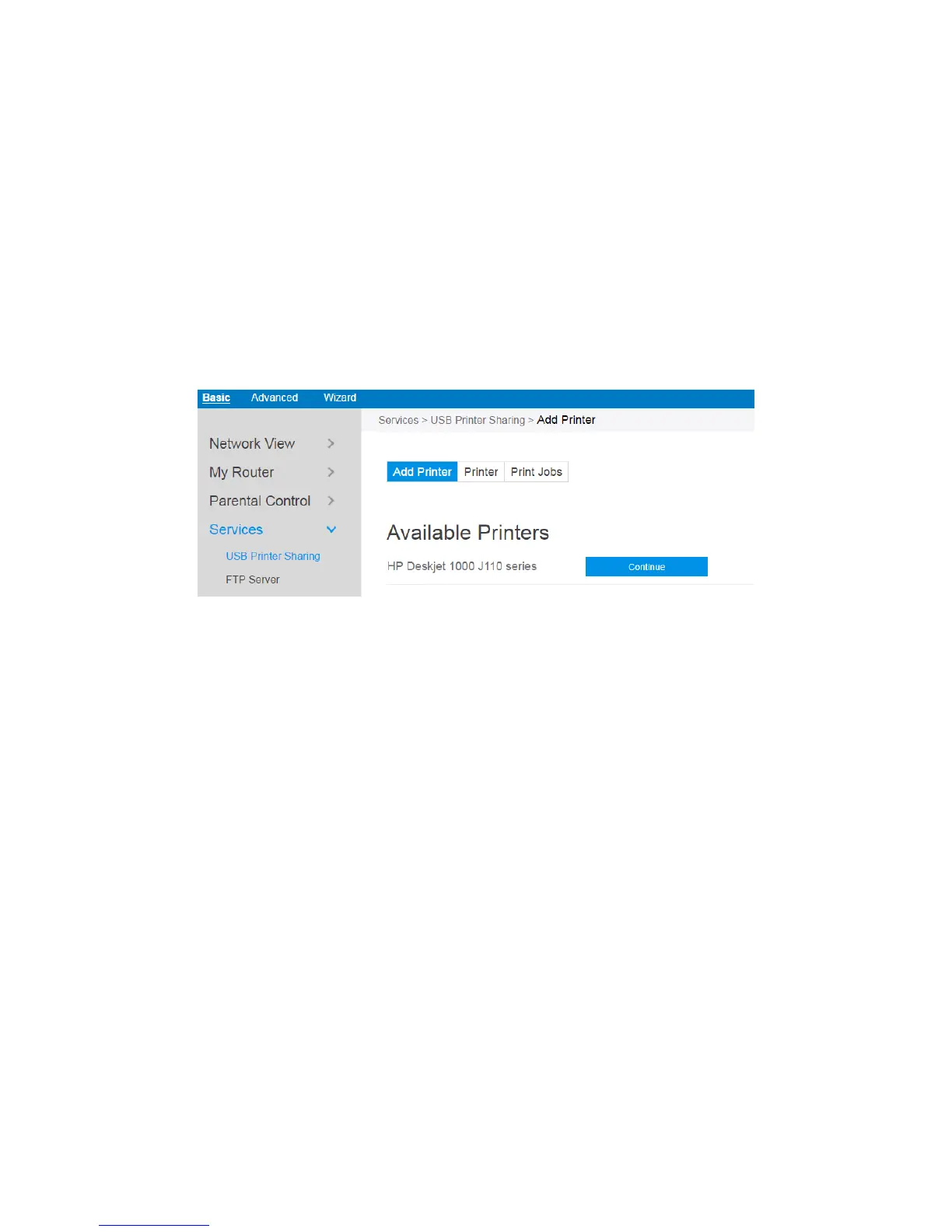
1. From the navigation panel, go to Basic > Service > USB Printer sharing > Add
Printer.
2. Plug in the USB interface of the printer to the router. Confirm your printer has
been detected and click Continue.
3. Select one of the following modes to install the printer driver, and click Add
printer.
Auto select: Automatically searches for the appropriate printer driver and
installs. If there is no corresponding printer driver, the system displays add a
printer error; please select the correct printer driver manually.
Select printer driver: Manually select the corresponding printer brand and
model.
Choose PPD File: If the above methods are unable to correctly install the
printer driver, then you can upload a PPD File. Select your PPD file and click



 To Next Page