51
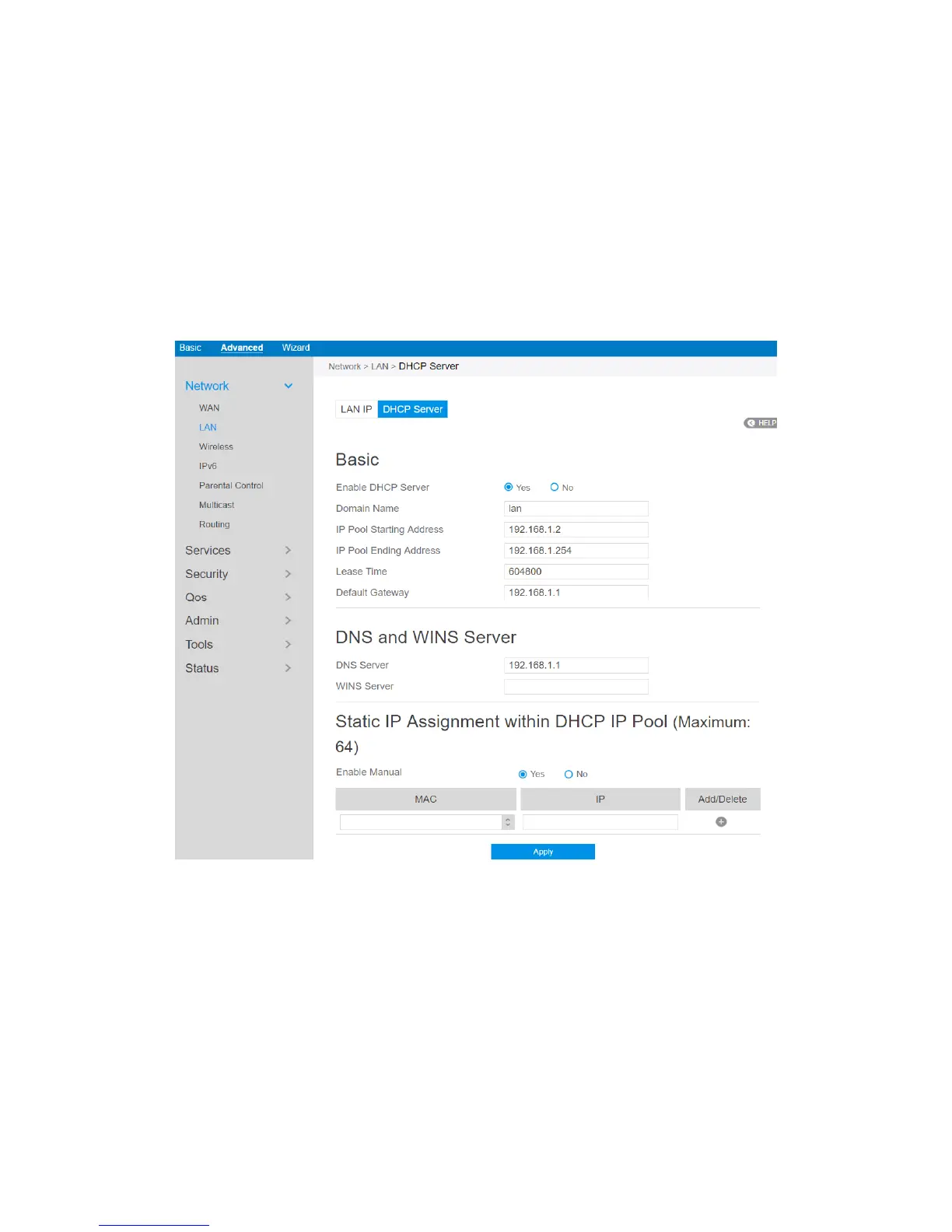
2.3.1.2.2 DHCP Server
DHCP server can assign each client an IP address and informs the client of DNS
server’s IP, default gateway’s IP and etc. This wireless router can allocate up to 253 IP
addresses for lan-side devices.
Steps to configure the DHCP server:
1. From the navigation panel, go to Advanced > Network > LAN > DHCP Server.
2. Enable DHCP Server: Enable DHCP server function which allows router to act
as a DHCP server to automatically assign IP addresses to network clients. If this
function is disabled, administrator has to manually set LAN devices.
3. Domain Name: Domain Name for clients who request IP Address from DHCP



 To Next Page