70
2.4.2 Services
2.4.2.1 USB Printer sharing
Refer to 2.3.6.1 USB Printer sharing for relevant setting descriptions.
2.4.2.2 FTP Server
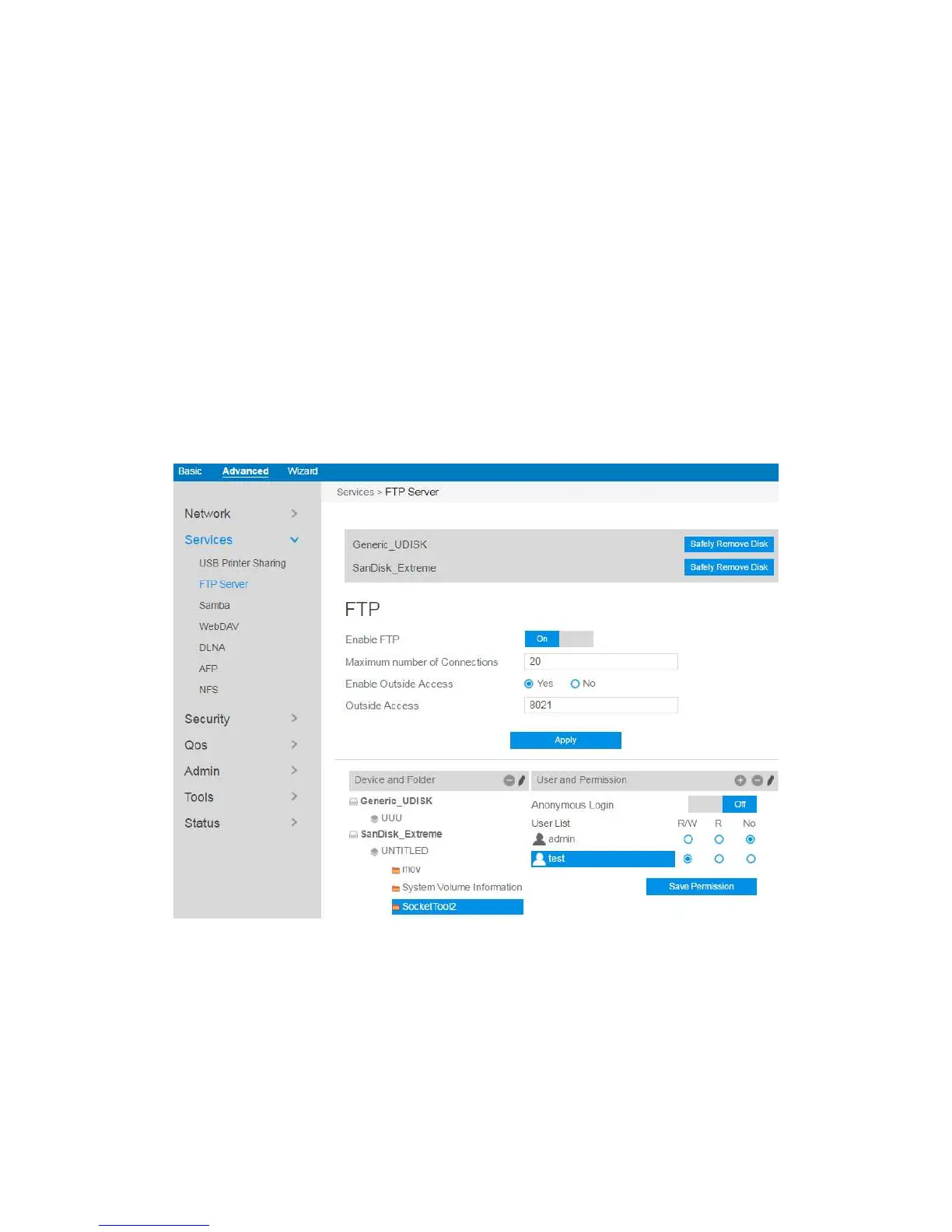
FTP Server enables an FTP server to share files from USB disk to other devices via
your local area network or via the Internet.
To set up FTP Server:
9. From the navigation panel, go to Advanced > Services > FTP Server.
10. Connect an external USB hard disk drive or USB flash drive to the router, and
your device will be displayed here.
11. Click On/Off to enable/disable Internet access to FTP service.



 To Next Page