15
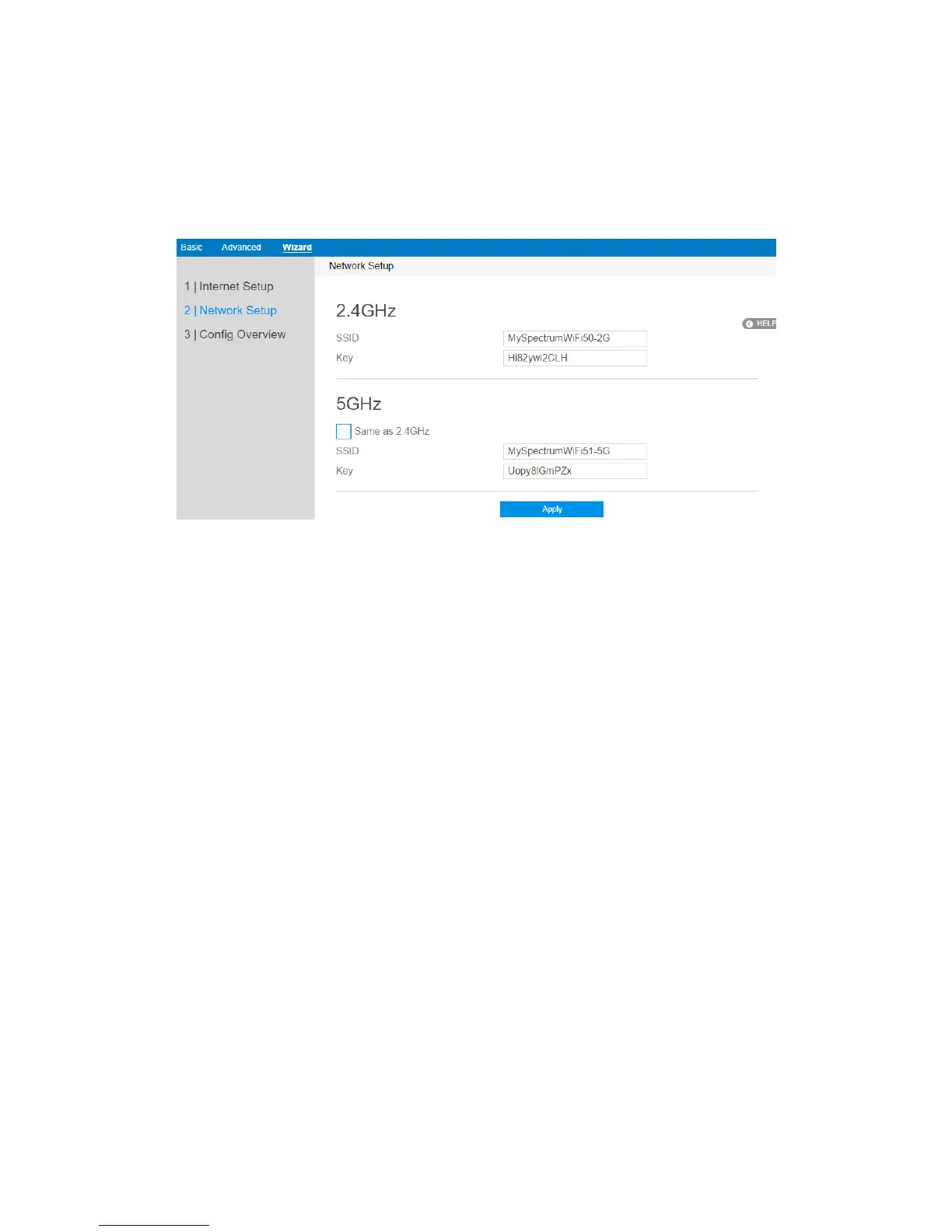
Network Setup
After you have clicked Next icon in Internet Setup page, you comes here.
1. SSID: Name for a wireless network, that’s to say it’s used to identify a wireless
network. Wi-Fi devices automatically detect all networks within its
communication range, if they own the key.
2. Key: A password used by router to authenticate wireless connections.
3. When done, click Apply.



 To Next Page