114
3 Root User Settings
You can login to the GUI as a root user for more configuration options. Root user
settings are hidden and cannot be configured by normal users.
3.1 Login
Root user of the router owns more privilege than Normal User. Following shows the
steps to log in Root User’s GUI:
1. Open a web browser and enter IP address:
http://192.168.1.1/a43edc96b945ff5d3c624838b54bf3f2/813dbdb6be123e5/ca6
c40542f5e7c4a59f66ca01028597a/login.html.
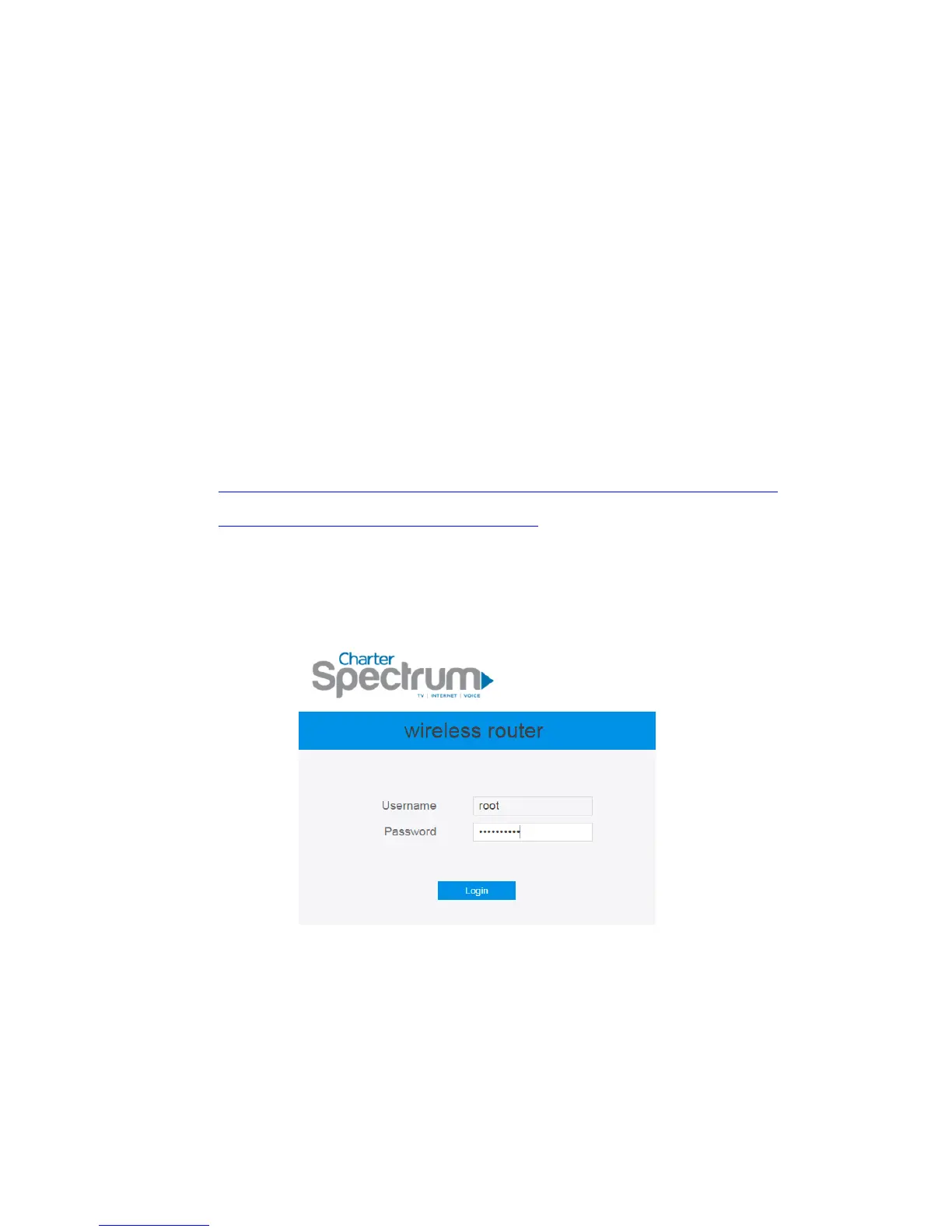
2. On the login page, enter the default root username: root, and password:
MmvGB^RY3#.
3. Use the Web GUI to configure various hidden settings of your wireless router.
3.2 Router
3.2.1 Static Routing
This module allows administrator to add routing rules for the router. This feature can



 To Next Page