22
DNS 1 & DNS 2: Either of them indicates IP address of a DNS server.
Click Apply.
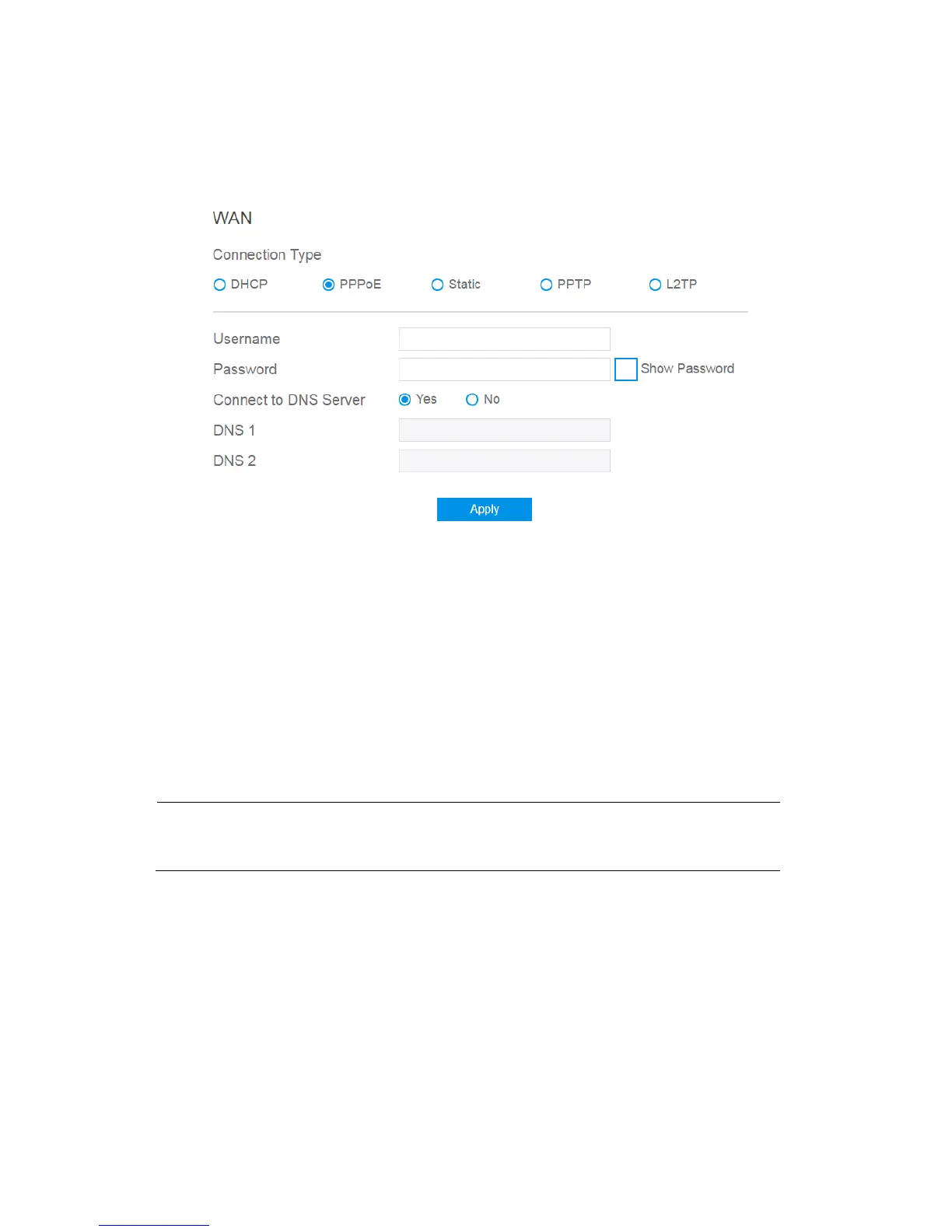
3. If you select PPPoE:
Username: This field is only available when you set the WAN Connection
Type as PPPoE, PPTP or L2TP.
Password: This field is only available when you set WAN Connection Type
as PPPoE, PPTP or L2TP.
DNS1 & DNS2: Either of them indicates IP address of a DNS server that
wireless router will contact.
Click Apply.
NOTE: All of the parameters mentioned above are provided. If administrator has no
idea of these, please consult the ISP.



 To Next Page