36
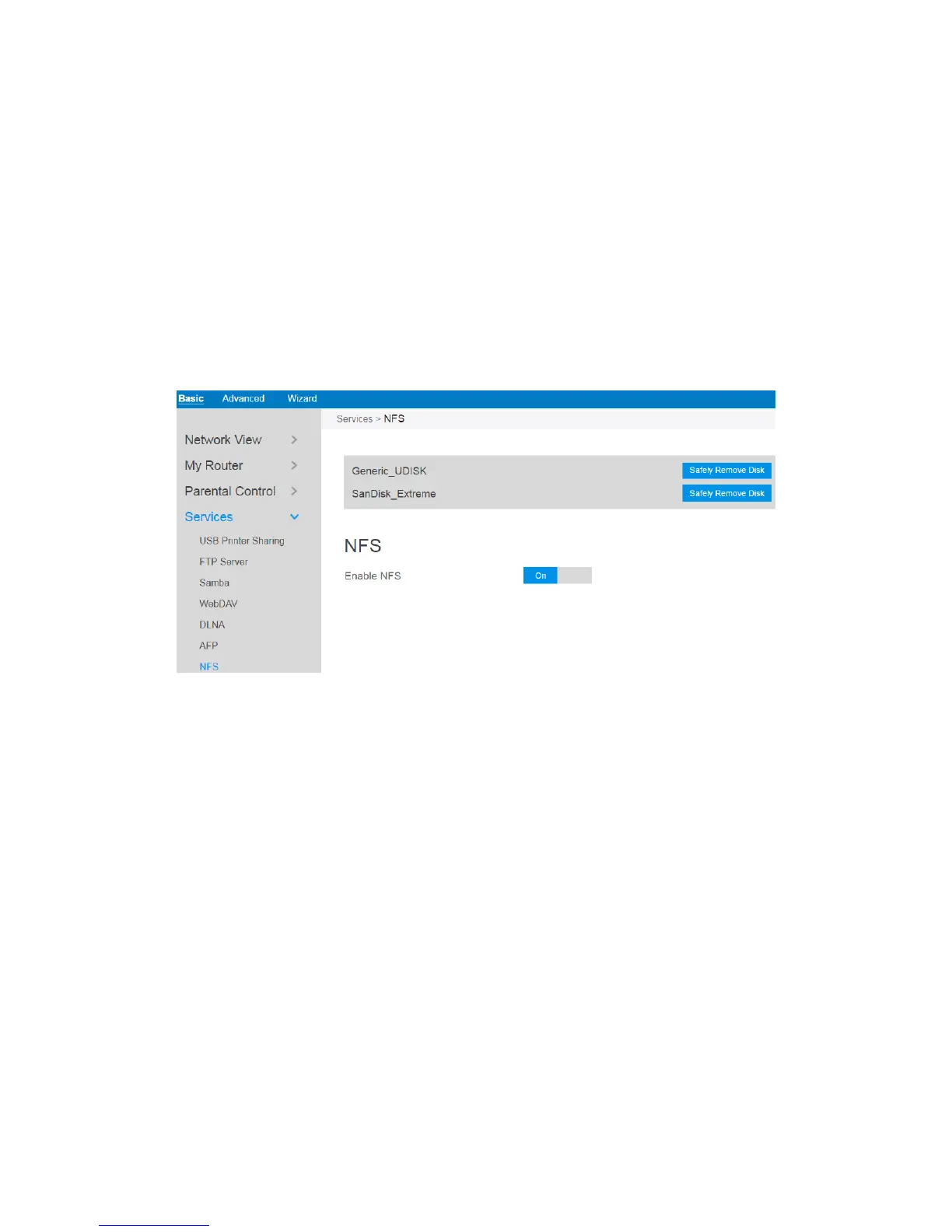
2.3.6.7 NFS
Network File System Server is used to share the USB disk with clients via network.
Clients can mount the remote disk to a local directory for a faster speed than using a
Samba server. This page shows information about the NFS Server. To setup NFS, go
to Advanced > Servers > NFS.
Steps to set NFS:
1. From the navigation panel, go to Basic > Services > NFS.
2. Connect an external USB hard disk drive or USB flash drive to the router, then
device’s name will be displayed here.
3. Enable NFS: Enable or disable NFS service. When disabled, users can't access
the USB storage via the NFS service.
4. Safely Remove Disk: Click to safely remove the disk. When the USB disk is
ejected successfully, the USB status shows 'No device '.



 To Next Page