83
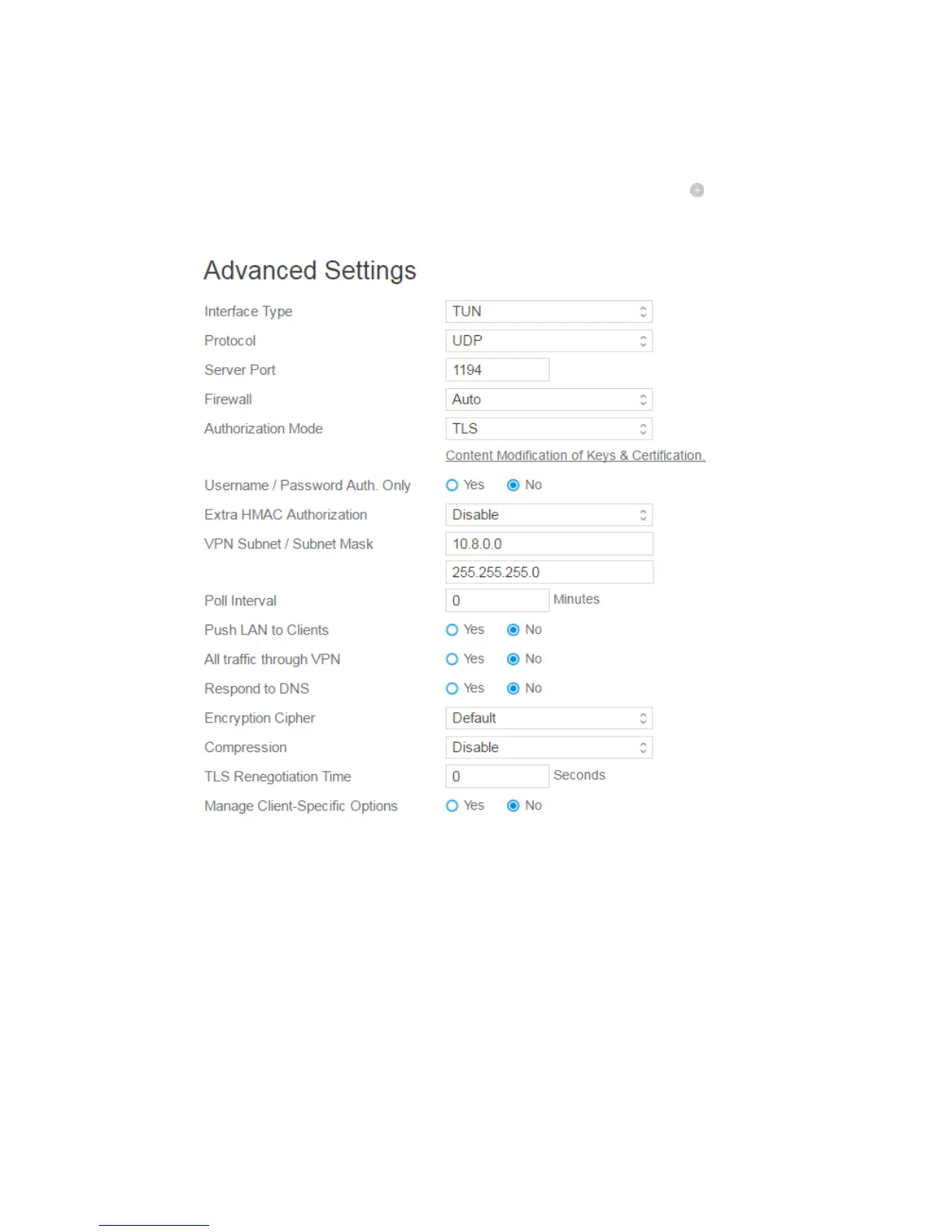
Advanced settings.
Username and Password: The user information of OpenVPN server. Input
the user name and password for the VPN server and click the button.
2. Advanced VPN server settings:
Interface Type: "TUN" will create a routed IP tunnel, "TAP" will create an
Ethernet tunnel.
Protocol: TCP or UDP server.
Server Port: The TCP/UDP port which OpenVPN server will listen on.
Firewall: Firewall configuration for VPN server. Auto will create complete
firewall configurations, External only will create basic firewall
configurations and Custom will not create any firewall configurations.
Authorization Mode: Select Authorization Mode.



 To Next Page