95
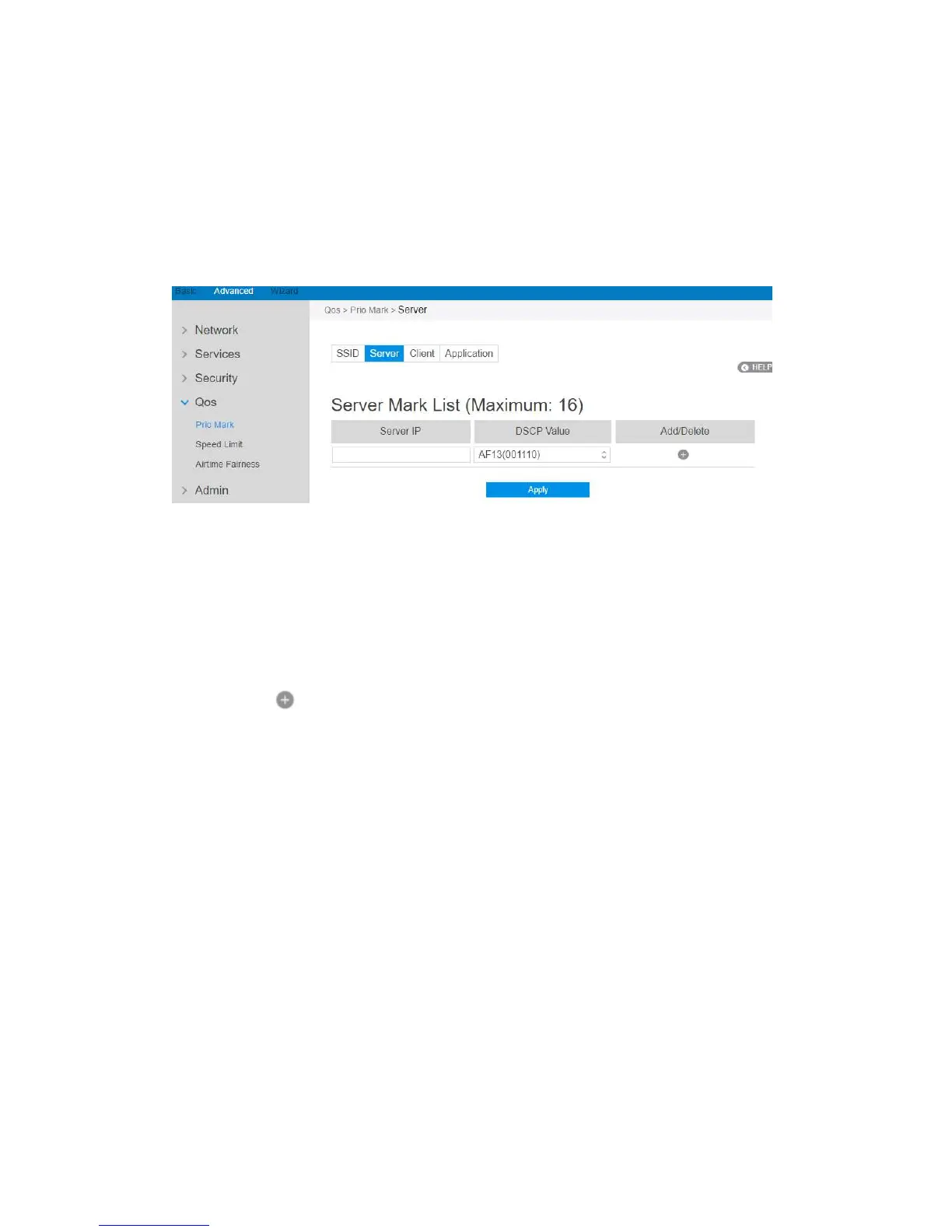
2.4.4.1.2 Server
For different remote servers, this setting can let the connections get different
priorities.
Steps to set up :
1. From the navigation panel, go to QoS > Prio Mark > Server.
2. Server IP: IP address of remote server.
3. DSCP Value: It’s value is used to indicate priority of connections to the
responding server.
4. Click to add this item to the Server Mark List.
5. Click Apply.



 To Next Page