97
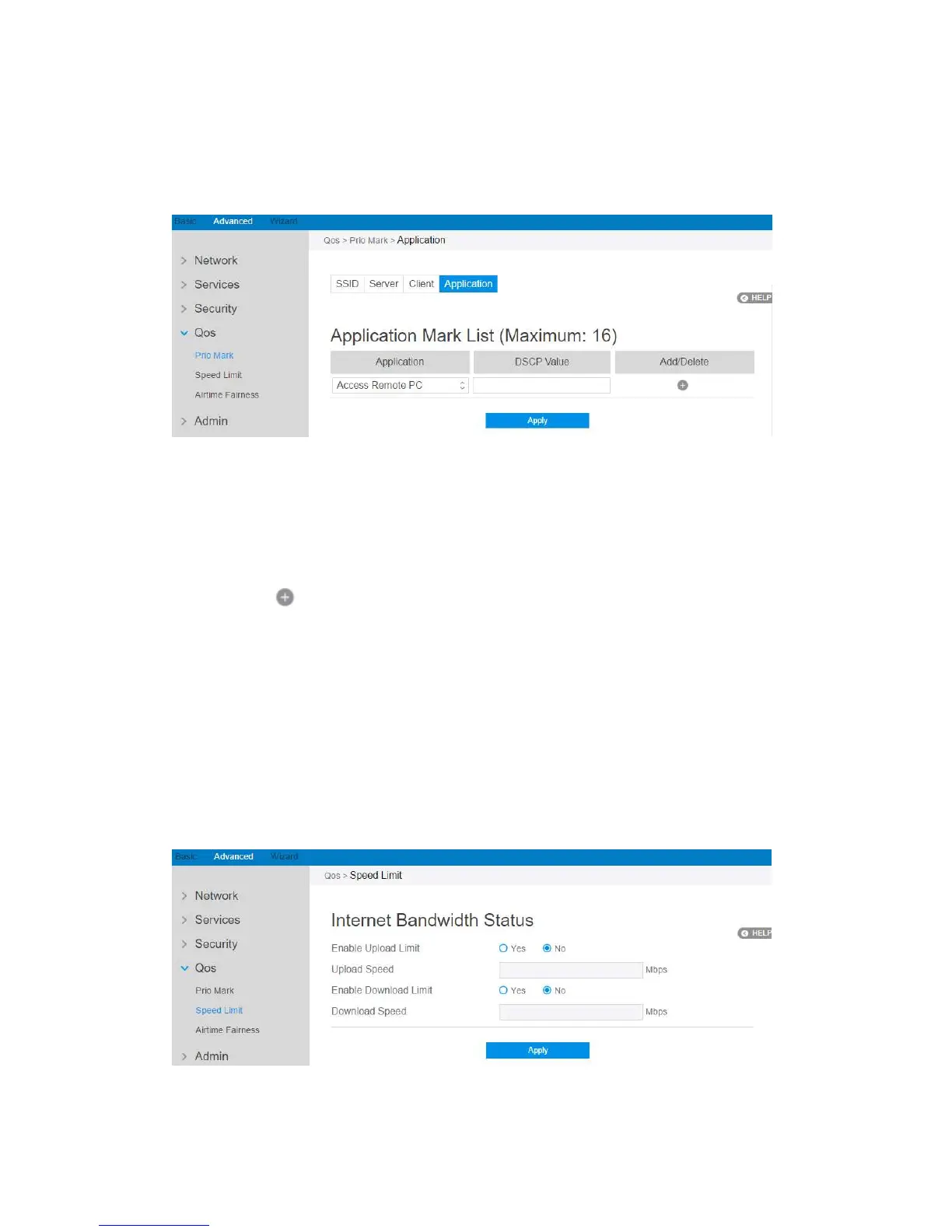
2.4.4.1.4 Application
Steps to set up :
1. From the navigation panel, go to QoS > Prio Mark > Application.
2. Application: The name of application that is going to use QoS.
3. DSCP Value: It’s value is used to indicate priority of application.
4. Click to add this item to the Server Mark List.
5. Click Apply.
2.4.4.2 Speed Limit
This module makes it possible for user to limit the speed of downloading and
uploading respectivly.



 To Next Page