EasyManua.ls Logo

Asko DC7784HP - User Manual

Asko DC7784HP
40 pages
Print Icon
To Next Page IconTo Next Page
Loading...
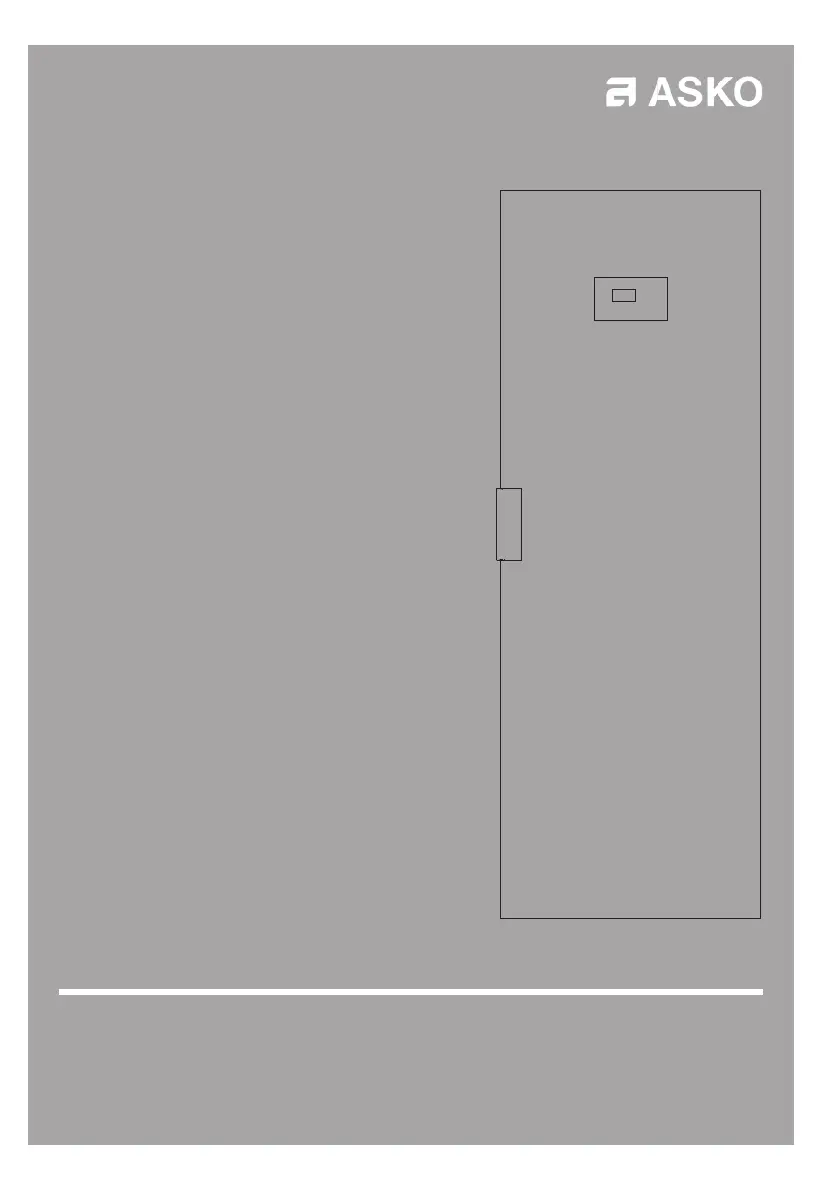
USER MANUAL Drying cabinet DC7784HP
DC7794HP
Read the user manual before using the machine

Questions and Answers

  • K
    Kathy JohnsonAug 3, 2025
    How to troubleshoot Asko Dryer that is not working?
    • K
      kerri72Aug 3, 2025
      If your Asko Dryer isn't working, please check the following: * Make sure the power cord is securely connected to a functioning power socket. * Check your fuse box to see if any fuses have tripped. * Ensure you have pressed the start button. * Verify that the door is completely closed. * Confirm that the water tank is correctly placed and emptied.
  • M
    Michael SuttonAug 7, 2025
    Why is my Asko DC7784HP not drying clothes properly?
    • A
      ashleykennedyAug 7, 2025
      If your washing isn't drying in your Asko Dryer, make sure of the following: * The correct program has been selected for the type of washing. * Too much washing has not been hung up. * Adjust parameters 2072 and 2071 as described in the chapter SETTING DRYING PROGRAMME.
  • C
    Christopher AdamsAug 12, 2025
    Why does my Asko DC7784HP take so long to dry?
    • B
      brian46Aug 13, 2025
      If your Asko Dryer is taking longer than usual to dry clothes, try these steps: * Clean the filter, preferably after each drying cycle. * Ensure the water tank is empty. * Verify that you've selected the appropriate program for the load. * Ensure the washing is properly spun and not soaking wet. * Avoid overloading the dryer with too many items. * Adjust parameters P2072 and P2071 as described in the chapter on SETTING DRYING PROGRAMME.
  • J
    Jason MartinAug 18, 2025
    What to do if my Asko DC7784HP Dryer display shows 'Check water tank'?
    • B
      brownmatthewAug 18, 2025
      If your Asko Dryer displays 'Check water tank', follow these steps: 1. Empty the water tank. 2. Ensure the lid is properly fitted, allowing the float arm to protrude and move freely. 3. Verify the water tank is correctly turned, positioning the float arm inside the tray. 4. If the issue persists, the defective pump safety switch may be activated. Contact Service.
  • E
    Edward OlsonAug 22, 2025
    What to do if my Asko DC7784HP display shows 'CLOSE DOOR'?
    • M
      Miss Shannon MccarthyAug 22, 2025
      If your Asko Dryer displays 'CLOSE DOOR', try these solutions: * Ensure the door closes tightly to activate the door switch. * If needed, tape the switch in position to see if the warning disappears. * If the issue continues, contact Service.
  • P
    Patricia PhamAug 27, 2025
    How to fix a door that won't seal on my Asko DC7784HP Dryer?
    • D
      Donna PorterAug 28, 2025
      If the sealing strip on your Asko Dryer isn't sealing properly and the door is ajar, check these: * Ensure the cabinet is level using a spirit level, and adjust the feet if necessary. * Verify that the cleaning filter and its holder are correctly fitted. * Make sure no debris is beneath the filter holder, which could prevent a proper seal.

Summary

THIS USER MANUAL

Introduction to the Manual

Provides an overview of the user manual's scope and content.

IMPORTANT SAFETY INFORMATION

Safety Guidelines and Precautions

Key safety instructions for installation, usage, and potential hazards.

FOR A GOOD ENVIRONMENT

Packaging Materials

Details the recyclable nature of product packaging.

End-of-Life Disposal

Guidance on environmentally responsible disposal of the appliance.

DESCRIPTION OF THE DRYING CABINET

Cabinet Components and Features

Overview of the drying cabinet's parts and operational features.

AIR FLOW IN THE CABINET

Airflow Path Details

Illustrates the air intake, filter location, and air return paths within the cabinet.

CONTROL PANEL

Control Panel Overview and Buttons

Explains the functions of the control panel buttons and display.

Language Setting Procedure

Instructions for setting the user interface language.

PLACEMENT

Installation Location Requirements

Specifies socket proximity, floor support, and environmental needs for placement.

Levelling

Ensuring the cabinet is stable and level on its feet.

Attachment to Wall

Requirement to secure the cabinet to a wall for stability.

UNPACKING

Initial Inspection and Delivery Check

Steps to check for transit damage and verify complete delivery.

Assembly Kit Contents

Lists and illustrates the components included in the assembly kit.

REHANGING OF DOOR

Rehanging Kit

Details the specific kit required for re-hanging the door.

Door Rehanging Procedure

Step-by-step guide for re-hanging the cabinet door.

CONDENSATION WATER

Detachable Water Tank Operation

How to use and manage the detachable water tank.

Connecting to Floor Drain

Instructions for routing condensation water to a floor drain.

Reconnecting to Water Tank

Procedure for switching back to the water tank for condensation collection.

INSTALLATION

Positioning and Cabinet Attachment

Guidelines for placing and securing the cabinet to prevent tipping.

Levelling and Wall Mounting Procedures

Steps for ensuring the cabinet is level and securely mounted.

ELECTRICAL CONNECTION

Electrical Connection Requirements

Details on connecting the appliance to a suitable power supply.

START-UP

Initial Setup and Cleaning

Steps for preparing and cleaning the cabinet before first use.

OPERATION

Operating Guidelines and Loading

Instructions on how to properly load and operate the drying cabinet.

Starting and Monitoring Drying Programs

How to start, monitor, and manage the drying cycles.

Program Completion and Interruption

Information on ending programs, interruptions, and the cool-down phase.

USER TIPS

Usage Tips and Precautions

Practical advice for optimizing usage and avoiding common issues.

DRYING PROGRAMMES

Drying Programme Overview (Normal;Extra Dry)

Details on the available automatic drying programs.

Child Lock Functionality

How to activate and deactivate the child lock feature.

SETTING OF DRYING PROGRAMME

Programme Optimization Introduction

Explains how to adjust programs for optimal drying results.

Adjusting Drying Parameters Procedure

Step-by-step guide to modifying program parameters.

Parameter List and Factory Reset

Reference list of parameters and instructions for factory reset.

CARE

Cleaning Procedures

Instructions for cleaning the cabinet and its components.

Replacement Parts Guidance

Information on obtaining and replacing spare parts.

SERVICE

Contacting Service Information

Details needed before contacting customer service for support.

TROUBLESHOOTING

Cabinet Not Working

Troubleshooting steps for when the drying cabinet fails to operate.

Check Water Tank Error

Resolving issues related to the water tank and float switch.

Close Door Error

Troubleshooting the 'Close Door' display message.

Alarm or Error Code Display

Actions to take when an alarm or error code appears on the display.

Long Drying Times

Identifying and resolving causes for extended drying durations.

Washing Not Drying

Steps to take if clothes are not drying properly.

Door Sealing Issues

Addressing problems with the door seal and alignment.

LIST OF ERROR CODES

Specific Error Code Descriptions

Detailed explanations for various error codes displayed by the unit.

TECHNICAL DATA

Appliance Specifications

Key technical specifications including capacity, dimensions, and power.

ENERGY CONSUMPTION AND DRYING TIMES IN DRYING OF SPUN LAUNDRY *)

Programme Performance Data

Information on energy usage and drying times for different programs.

Asko DC7784HP Specifications

General IconGeneral
TypeHeat Pump Dryer
Capacity8 kg
Noise Level64 dB(A)
ColorWhite
Energy classA+++
Delay startYes
Child lockYes
DisplayDigital
Width60 cm
Height85 cm

Related product manuals