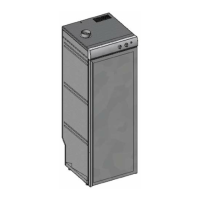
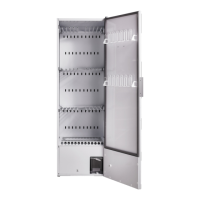
9
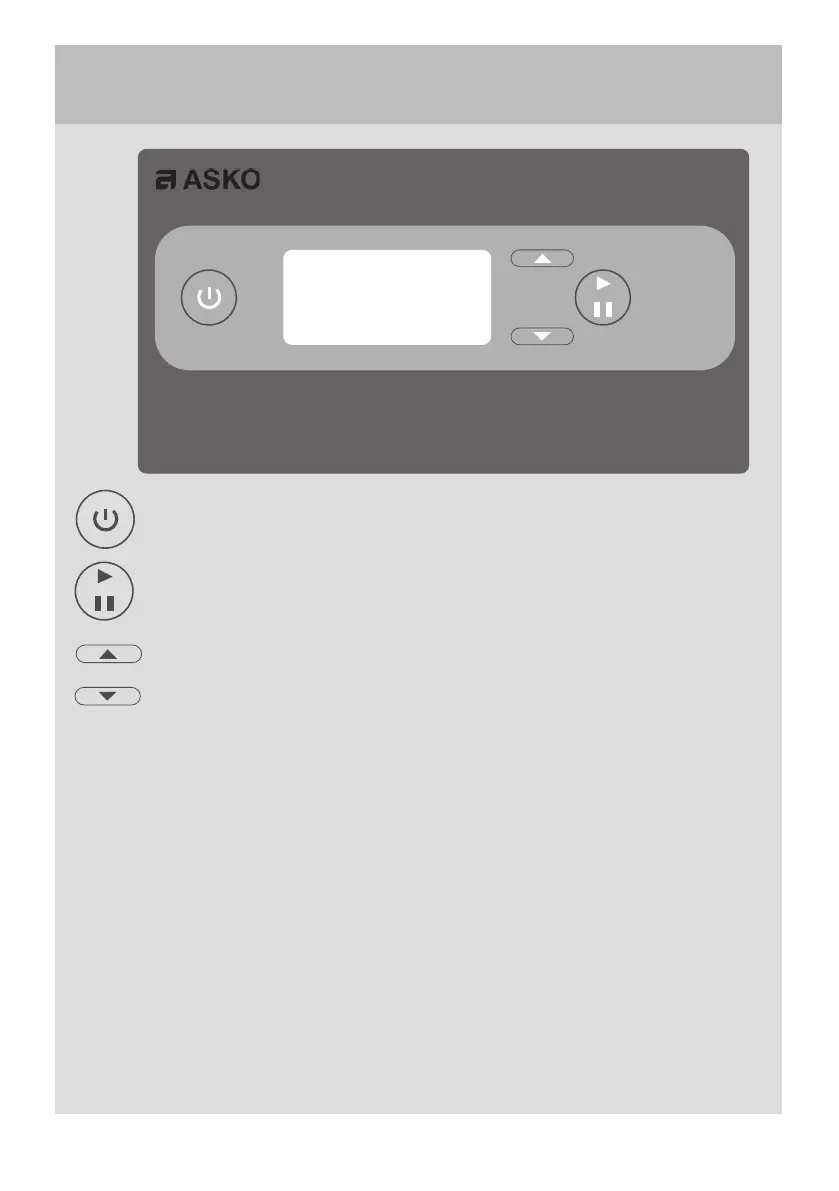
ON / OFF
OK/START/STOP
UP ARROW
DOWN ARROW
FUNCTION OF THE BUTTON
ON-OFF
The display is lit and shows the last programme used
OK/START/STOP
Confirms selection of programme, functions and settings.
If the setting flashes, it must be confirmed or changed using the ARROW keys and/
or OK. The drying process starts.
UP ARROW / DOWN ARROW
These are navigation keys to step through lists and information texts.
If UP and DOWN are pressed simultaneously when ON-OFF is turned off,
PROGRAMMING MODE opens when ON-OFF is pressed.
To return to operating mode, press DOWN ARROW and then OK.
CONTROL PANEL
DISPLAY
The display has two rows with 6
characters on each row. During the
drying process the selected drying
programme and a rolling bar indicat-
ing that the process is in progress are
shown.


 To Next Page