10
CONTROL PANEL
1 Make sure that the main ON/OFF
switch on the drying cabinet is off. The
display is unlit.
2 Hold down the UP ARROW and
DOWN ARROW buttons and press
the ON/OFF switch to the ”ON” posi-
tion. The display lights up and on the
top row shows
“P105” flashing, which is
the parameter for language setting. If a
different value is shown, use the arrow
up or down buttons to step through to
the parameter P105.
3 Press START/STOP to confirm.
The row for current language now
flashes. The languages have a numer-
ical symbol as shown in the list below.
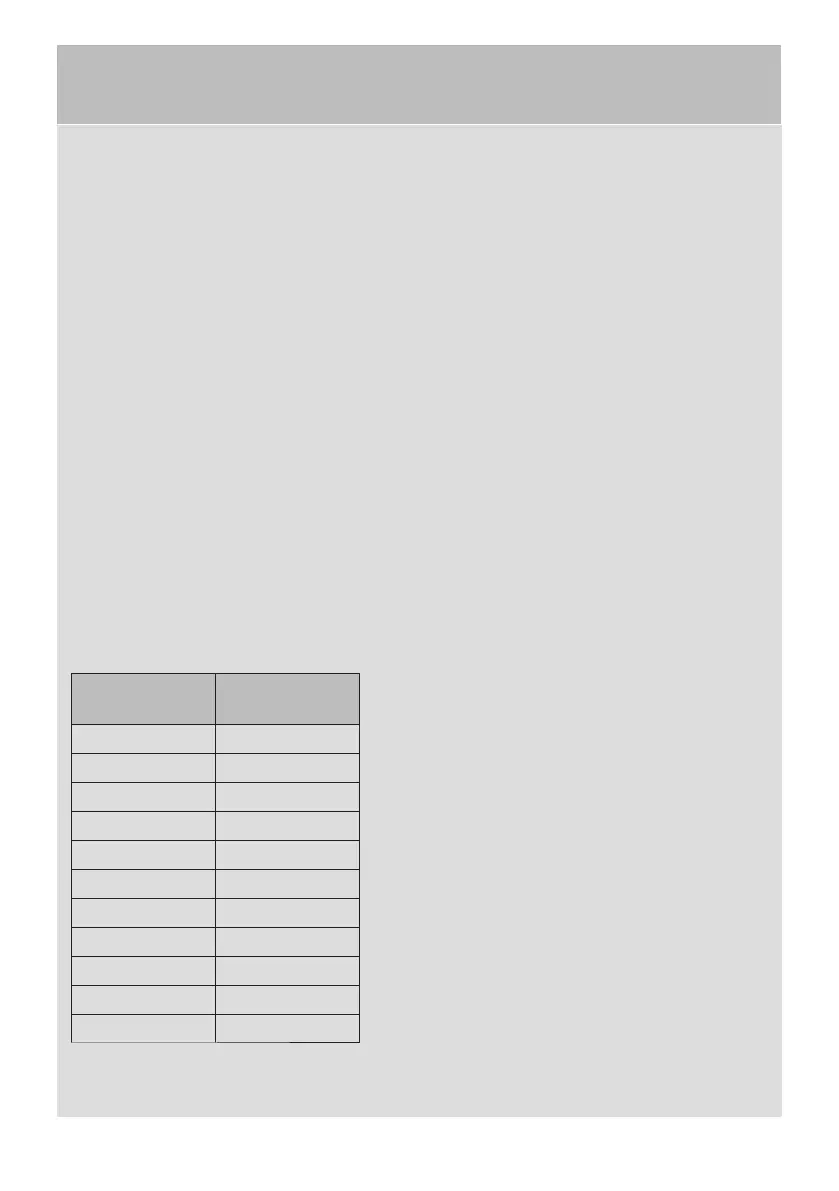
Language
symbol
Display lan-
guage
0 English
1 Swedish
2 Norwegian
3 Danish
4 Finnish
5 Italian
6 French
7 German
8 Spanish
9 Portuguese
10 Dutch
4 Step through to the desired language
with the UP ARROW or DOWN AR-
ROW buttons.
5 To save the set value, press START/
STOP.
6 To return to operating mode, press
DOWN ARROW and START/STOP.
LANGUAGE SETTING
The following languages can be handled: English, Swedish, Norwegian, Danish, Finnish,
Italian, French, German, Spanish, Portuguese and Dutch.


 To Next Page