EN 12
Switching on the hob and setting the power
The cooking zones have 12 levels. Beside it there is a level ‘boost’.
1. Place a pan in the middle of a cooking zone.
2. Press the child lock button.
You will hear a single beep.
3. Press the on/off button of the cooking zone concerned.
A flashing ‘-’ appears in the display and you will hear a single beep.
If no further action is taken, the cooking zone will automatically
switch off after a few seconds.
4. Press the + or - button, or the << or >> button to select the desired
setting. The cooking zone starts automatically in the level that has
been set (when a pan is detected).
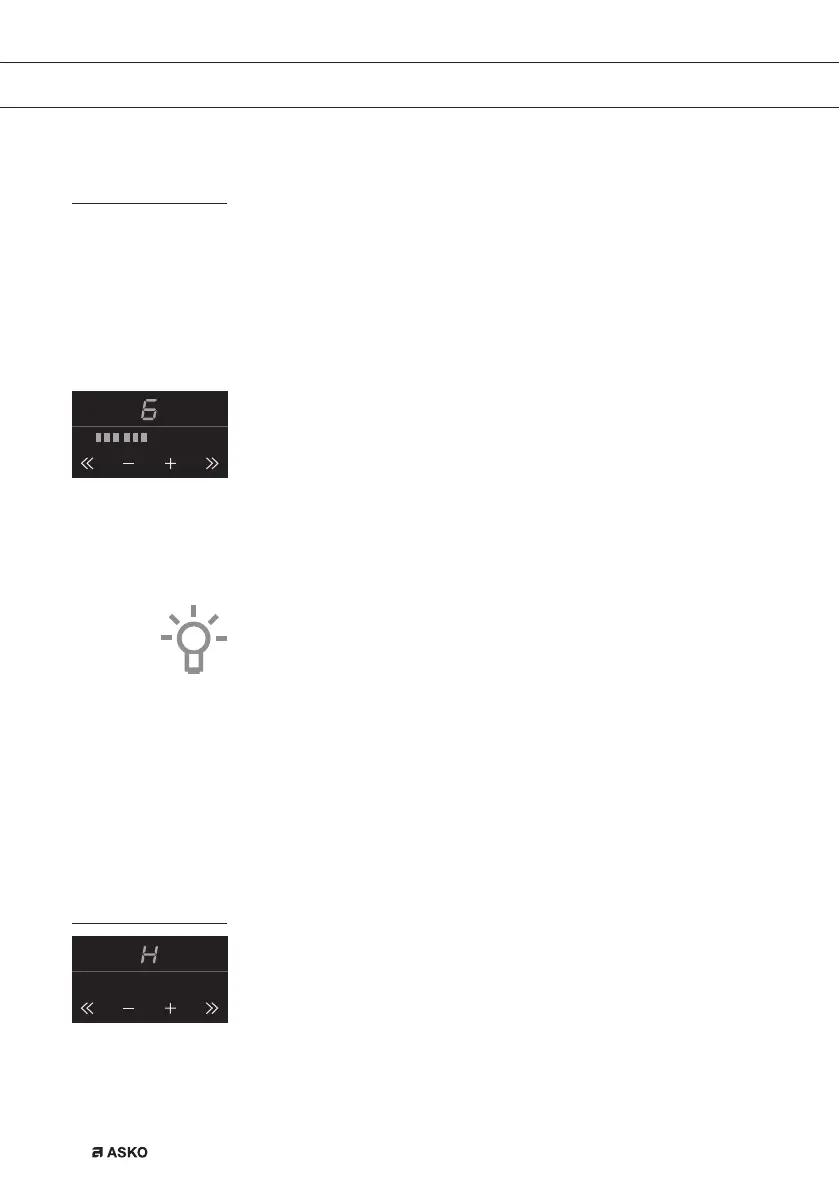
▷ If you press the + or - button first, level 6 appears.
▷ If you press the >> button first, level 12 + ‘boost’ appear in the display. This is
power level ‘boost’ and you can use this setting if you want to bring dishes to
the boil quickly (see page 14).
▷ If you press the << button first, level 1 will appear.
Tips
• With the + or - button you can raise or reduce the power setting step by step. By
pressing the << or >> button, you can raise or reduce the power setting quick.
• Press and hold the << , - , + or >> button to set the desired power level more
quickly.
Pandetection
If the hob does not detect a (ferrous) pan after the cooking power has
been set, the display will blink and the hob will remain cold. If a (ferrous)
pan is not placed on the cooking zone within 1 minute, the cook
ing
zone will automatically switch off (see also page 11 and 12 ‘Pans’).
Residual heat indicator
A cooking zone that has been used intensively will retain heat for
several minutes after it has been switched off. An ‘H’ appears in the
display as long as the cooking zone is hot.
OPERATION


 To Next Page