EN 13
Boost
You can use the ‘boost’ function to cook at the highest power level
during a short period of time (max.10 minutes). After the maximum
boost time the power will be reduced to setting 12.
Switching on ‘boost’
1. Put a pan on a cooking zone.
2. Press the >> button immediately after you have switched on the
zone.
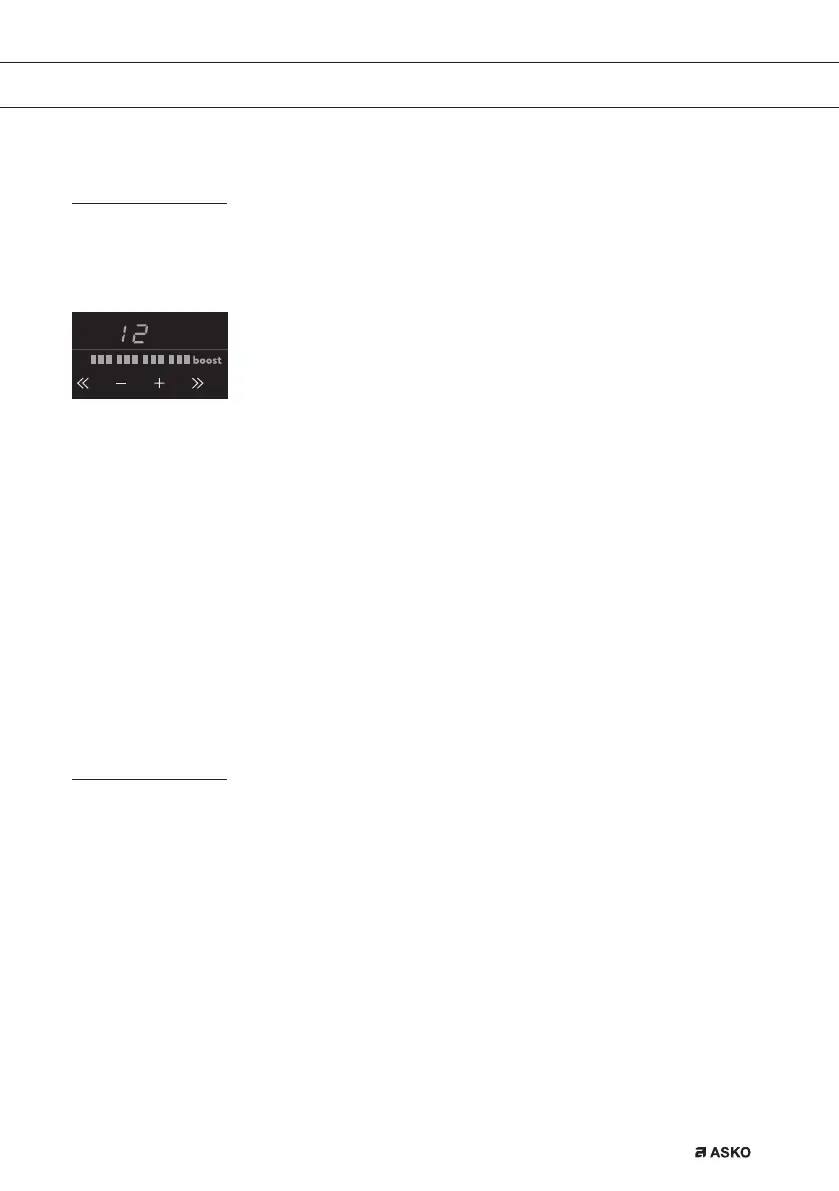
Level 12 and ‘boost’ appear in the display.
• If a cooking zone has already been set to a power level and you want to use
‘boost’, press several times the >> button or the
+ button of the cooking zone concerned.
Switching off ‘boost’
‘Boost’ has been switched on, the display shows level 12 and ‘boost’.
1. Press the << button or the - button.
In the display you will see a lower level.
Or:
2. Press the on/off button of the cooking zone you want to switch off.
You will hear a beep and the level in the display disappears.
The cooking zone has been switched off completely.
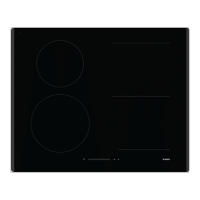
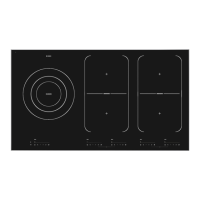
Two cooking zones one in front of the other
• Two cooking zones one in front of the other affect each other. When both of these
cooking zones are switched on at the same time, the power is automatically shared
between them. The first set cooking zone will remain at the set setting at all times.
The maximum set setting for the cooking zones to the front or back that is added
later, depends on the setting of the first cooking zone. When you have reached the
maximum amount of cooking setting combinations, the last set setting will start to
flash and is automatically lowered to the highest possible setting.
• Two cooking zones alongside each other have no effect on each other. You can set
both cooking zones on a high setting.
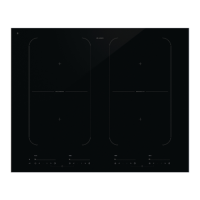
• If the vario zones are bridged, they cannot be set to boost and the menu functions
cannot be used.
OPERATION


 To Next Page