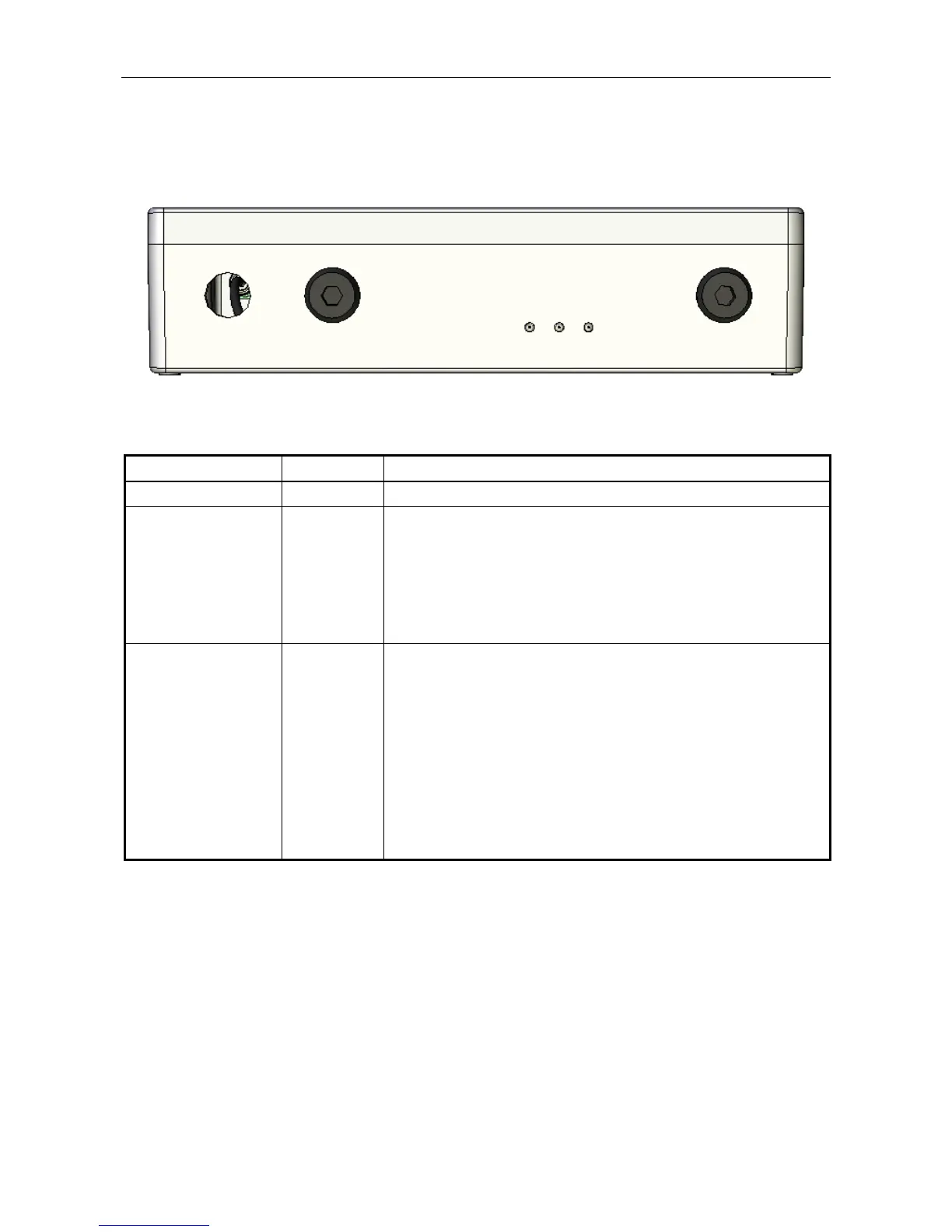
Indicator Type Indication
POWER Yellow LED Indicates that the unit is powered.
ACTIVE Red LED
• When the RRM02 is connected to an ASL PA/VA system using the
serial microphone data interface the ACTIVE LED illuminates to
indicate that a route has been made and an announcement from a
Radio Microphone is in progress.
• When multiple RRM02 units are used on a single loudspeaker zone
or when used with other manufacturer’s PA systems, the ACTIVE
LED illuminates to indicate that the PTT button is being held down,
however it does not necessarily indicate that a route has been made.
BUSY Red LED
The BUSY LED only operates when the RRM02 is connected to an ASL
PA/VA system using the serial microphone data interface. Therefore the
BUSY LED will not operate when multiple RRM02 units are used on a
single loudspeaker zone or when used with other manufacturer’s PA
systems.
When the BUSY LED is lit this indicates that the zone (or one or more of
the group of zones) addressed by the microphone is already in use by
another input. This microphone can only select the zone if the other input
is of a lower priority.
If a higher priority input selects a zone during a paging announcement
from the RRM02, then the zone will be deselected for the RRM02, and
the BUSY LED will illuminate. The announcement will continue to any
other zones if the RRM02 addresses a group of zones.



 To Next Page