24
R
Bolt throw change from 14 mm to 20 mm:
1. Remove the latch bolt fi xing screw.
2. Turn the tailpiece mechanism in so that the lock is not deadlocked (do not press the trig-
ger bolt).
3. Check that the tailpiece is in normal position (not deadlocked) as shown in fi g. G.
4. Tighten the latch bolt fi xing screw.
5. Check the function of the bolt.
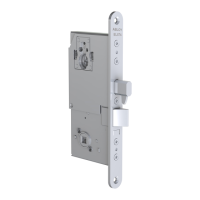
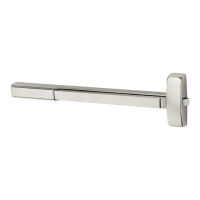
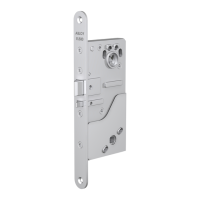
SETTING EXIT HANDLE / EXIT PUSH BAR SIDE (EL580/PE580) Fig. H
Needed tool: Allen key 2 mm
1. Locate the exit handle screw-head below handle follower on the cover side of the lock
case. Screw the Allen screw counter-clockwise until it stops. Then screw the Allen screw one
cycle backwards (clockwise).
2. If it is needed to set the exit handle side back, screw the Allen screw clockwise until it
stops. Then screw the Allen screw one cycle back (counter-clockwise).
3. Check the function of handles.


 To Next Page
 Loading...