2-6
Chapter 2: Knowing the Parts
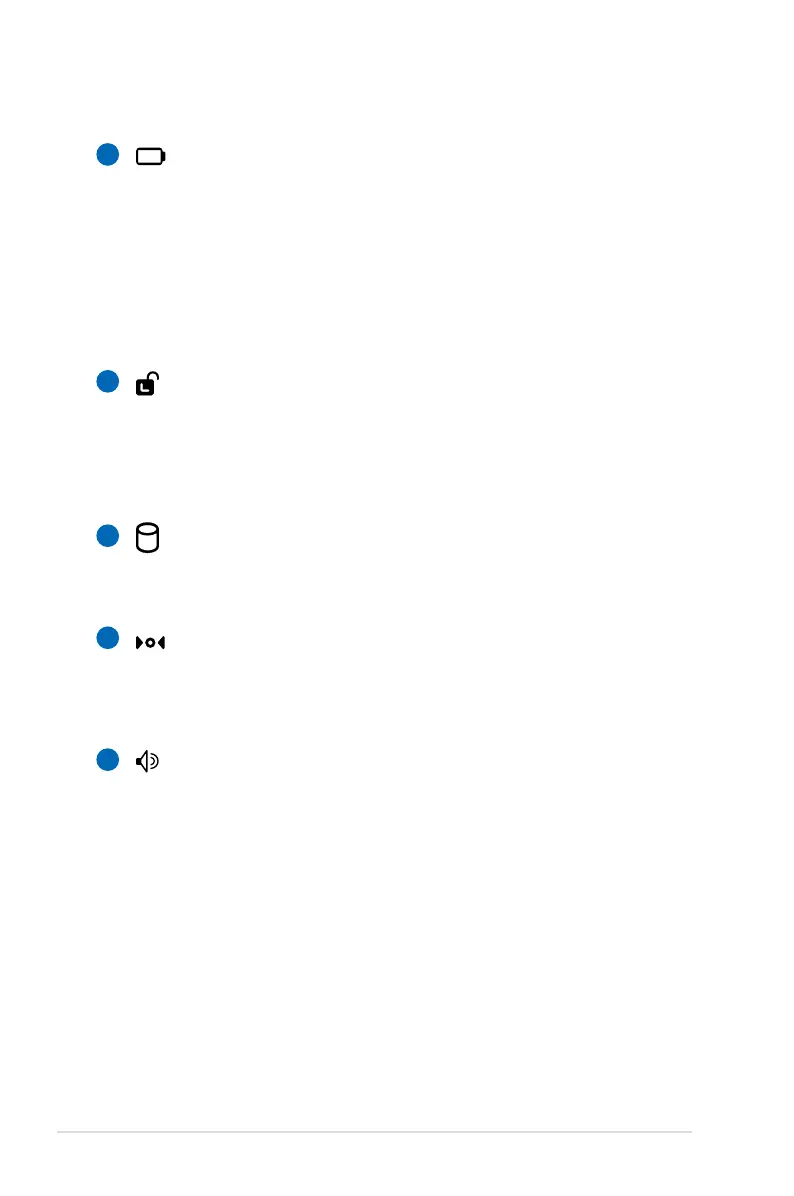
Battery Pack
The battery pack is automatically charged when connected
to an AC power source and maintains power to the Eee PC
when AC power is not connected. This allows use when
moving temporarily between locations. Battery time
varies by usage and by the specifications for this Eee PC.
The battery pack cannot be disassembled and must be
purchased as a single unit.
Battery Lock - Manual
The manual battery lock is used to keep the battery pack
secured. Move the manual lock to the unlocked position to
insert or remove the battery pack. Move the manual lock to
the locked position after inserting the battery pack.
Solid-State Disk & Memory Compartment
The solid-state disk drive and memory are secured in a
dedicated compartment.
Reset Button (Emergency)
In case your operating system cannot properly turn OFF or
restart, the reset button can be depressed with a pin or a
straightened paper clip to restart the Eee PC.
Audio Speaker System
The built-in stereo speaker system allows you to hear audio
without additional attachments. The multimedia sound
system features an integrated digital audio controller
that produces rich, vibrant sound (results improved with
external stereo headphones or speakers). Audio features
are software controlled.
2
3
4
5
6














 To Next Page