ASUS Eee PC
6-7
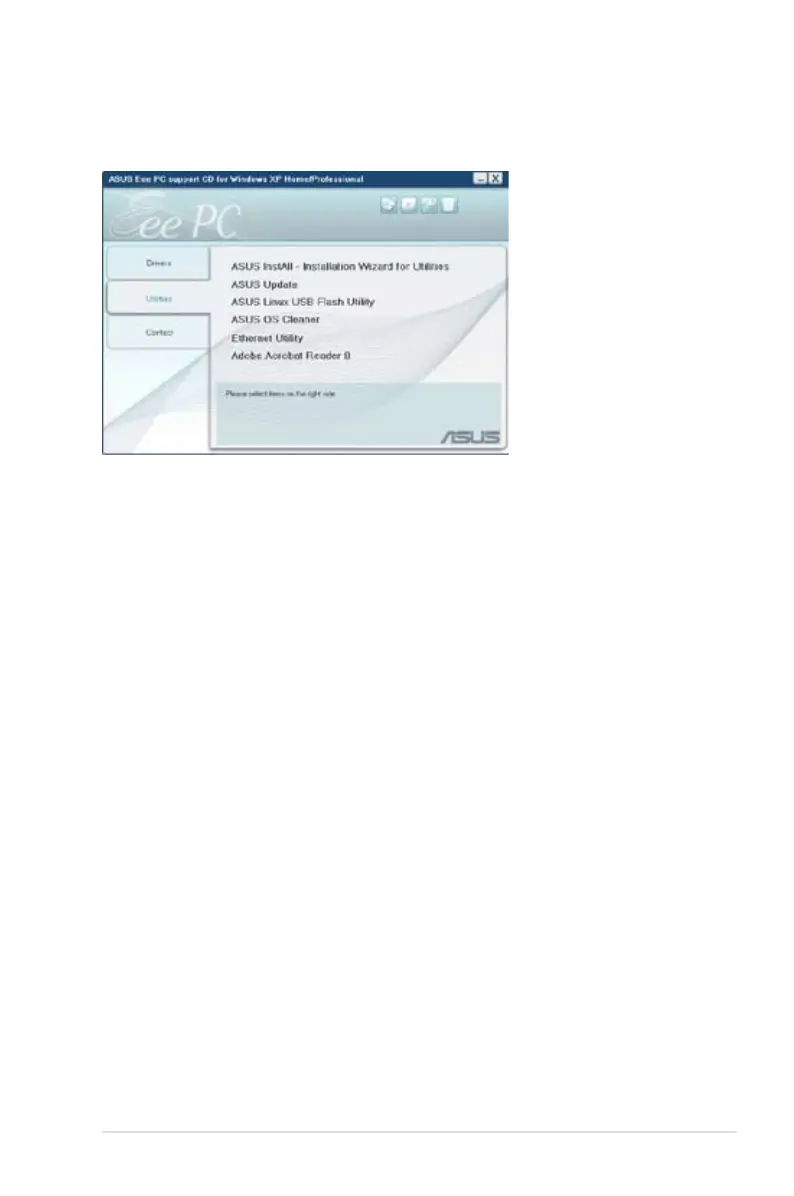
Utilities menu
The Utilities menu shows the applications that the Eee PC supports.
ASUS InstAll - Installation Wizard for Utilities
Installs all the utilities.
ASUS Update
The ASUS Update utility allows you to update the Eee PC BIOS in the
Windows® environment. This utility requires an Internet connection
either through a network or an Internet Service Provider (ISP).
ASUS Linux USB Flash Utility
Makes a USB bootable disk with Linux system image for Eee PC
system recovery.
ASUS OS Cleaner
Installs ASUS OS cleaner application.
Ethernet Utility
Installs the Ethernet utility.
ADOBE Acrobat Reader
Installs the Adobe® Acrobat® Reader that allows you to open, view,
and print documents in Portable Document Format (PDF).














 To Next Page