3-14
Chapter 3: Getting Started
Shutdown
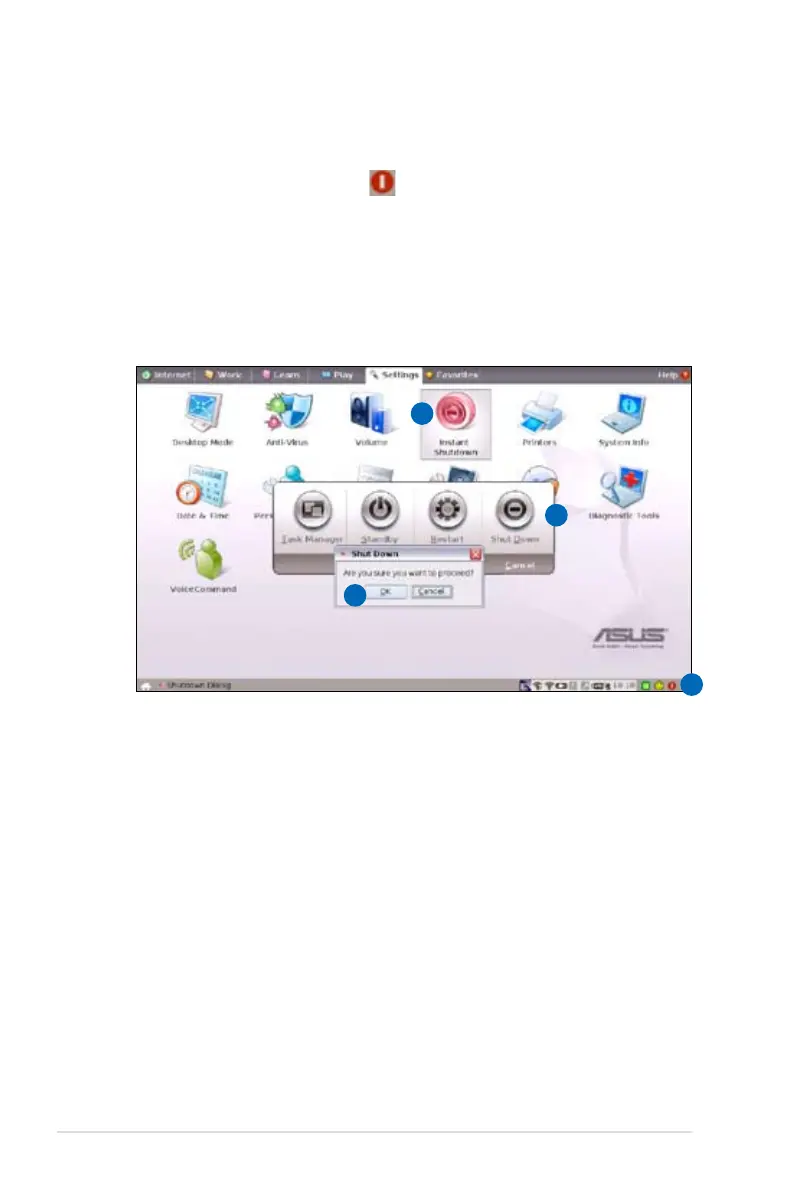
Do the following instructions to turn down your Eee PC.
1. Click the red power switch in the Notification area.
Or, click Instant Shutdown from the Settings tab and select
Shutdown.
Or, press the power switch of the Eee PC directly.
2. Select Shut Down from the dialog box.
3. Select OK to proceed.
1
2
3
1














 To Next Page