6-4
Chapter 6: Installing Windows® XP
Support CD information
The support CD that comes with the Eee PC package contains the
drivers, software applications, and utilities that you can install to
avail all the features.
If Autorun is NOT enabled in your computer, browse the
contents of the support CD to locate the file ASSETUP.EXE from
the BIN folder. Double-click the ASSETUP.EXE file to run the CD.
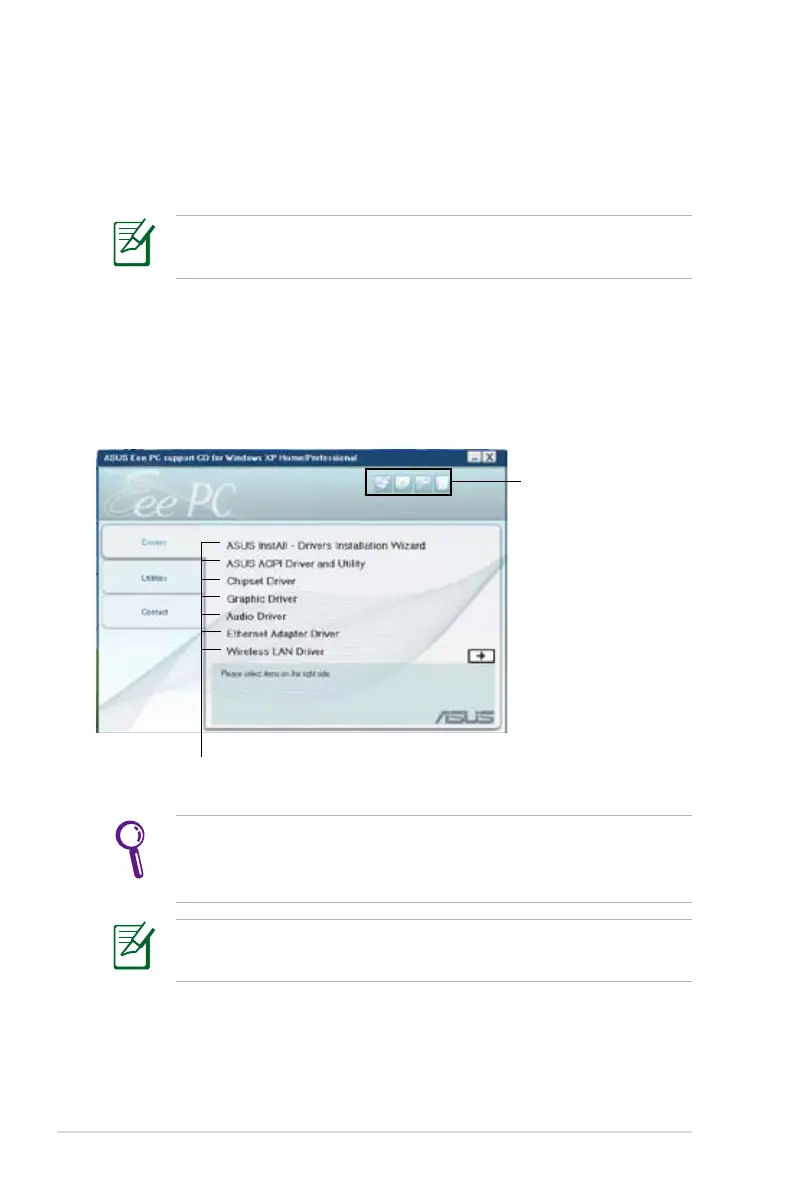
Click an item to install
Running the support CD
Insert the support CD in the external optical drive. The CD
automatically displays the Drivers menu if Autorun is enabled in
your computer.
Click an icon to
display support CD/
Eee PC information
All the following screens appear only in the Windows® XP SP2
environment.
The drivers and utilities bundled in the support DVD are subject
to change without notice.














 To Next Page