4-34
Chapter 4: Using the Eee PC
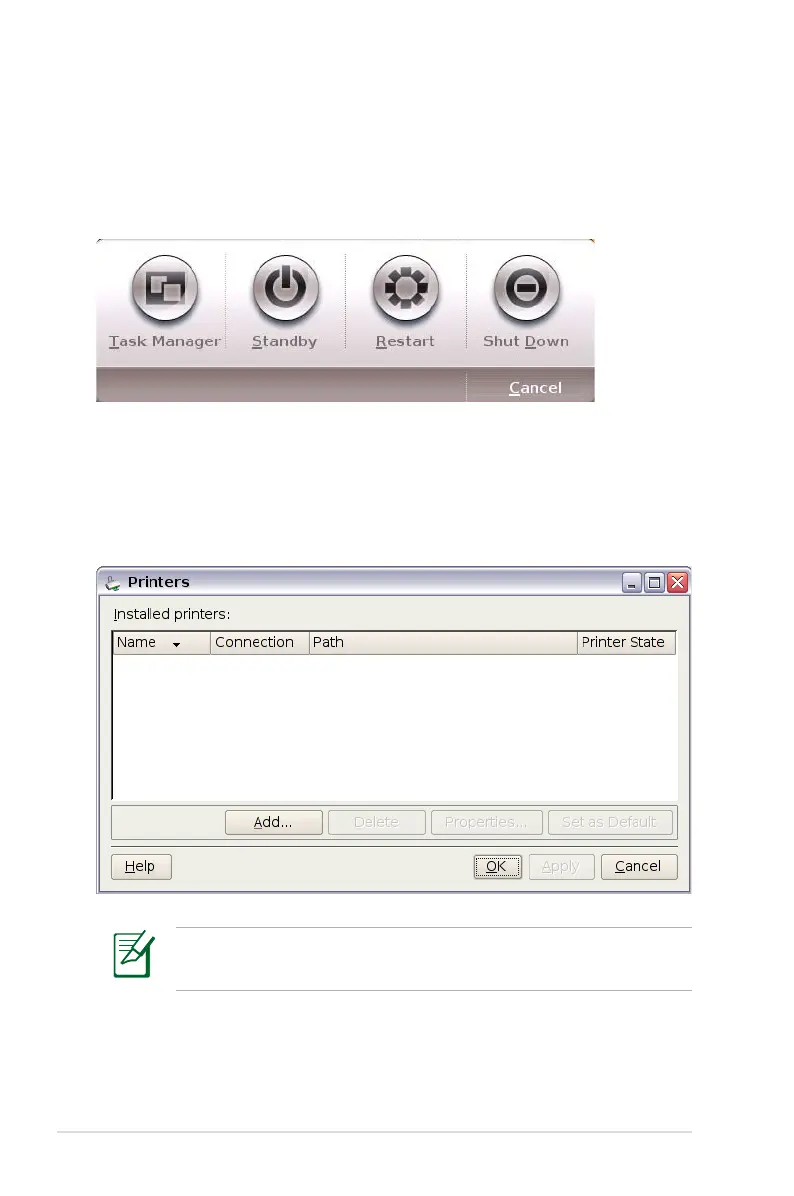
Instant Shutdown
Click Instant Shutdown and select an action from the dialog box
shown below. You can activate the task manager, put the system in
standby, restart, or shut down the system.
Printers
To setup your printer, double-click Printers and press Add to add a
new printer. The installed printers display in the window.
Refer to the QVL in Appendix or visit our website for the latest
qualified vendor for the printers.














 To Next Page