4-14
Chapter 4: Using the Eee PC
Chatting with friends
Messenger
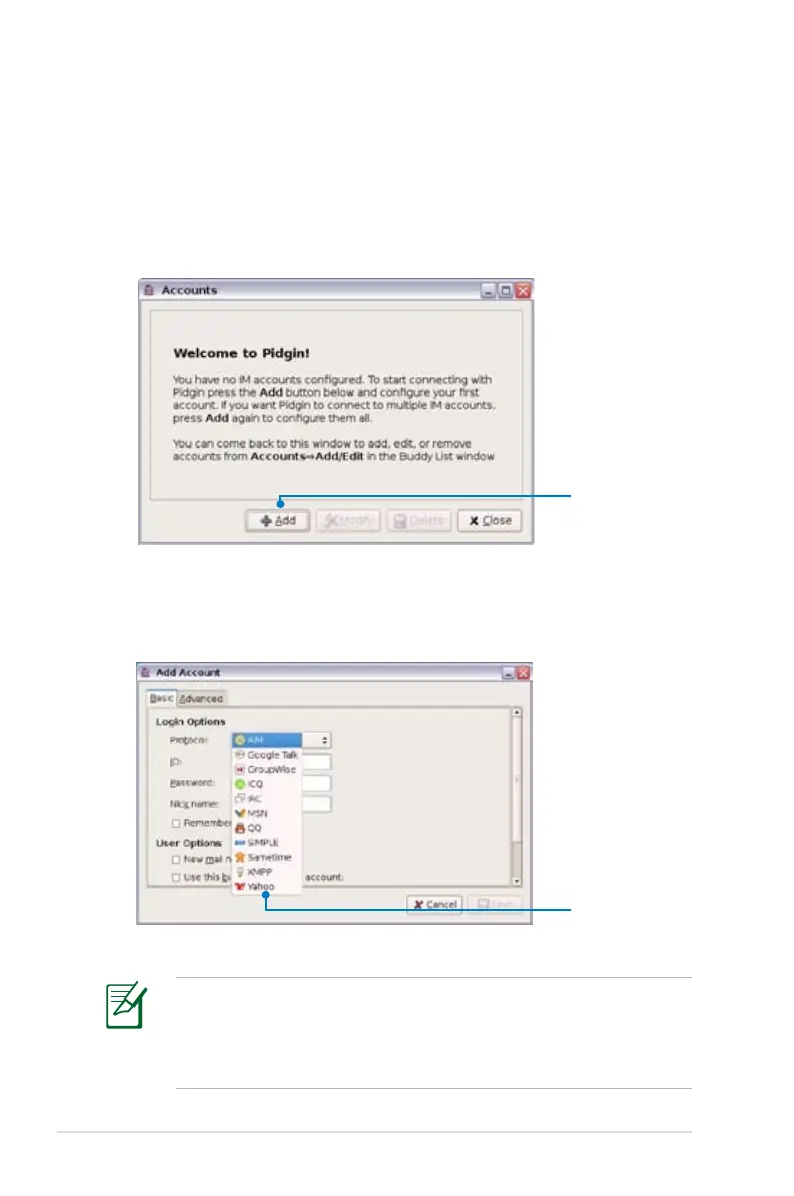
1. Select Messenger from the Internet tab and the Welcome to
Pidgin screen displays. Press the Add button to configure your
instant messaging account.
Press to select an
instant messaging
service
2. Select an instant messaging service you are using from the
drop-down list and fill out your password along with other
necessary information to login your account.
If you do not have an IM account, apply one from the service
providers. If you have multiple IM accounts from different service
providers, press Add button again to add and configure more IM
accounts.
Select an instant
messaging
service














 To Next Page