3-6
Chapter 3: Getting Started
Touchpad Usage
Single-finger gesture input
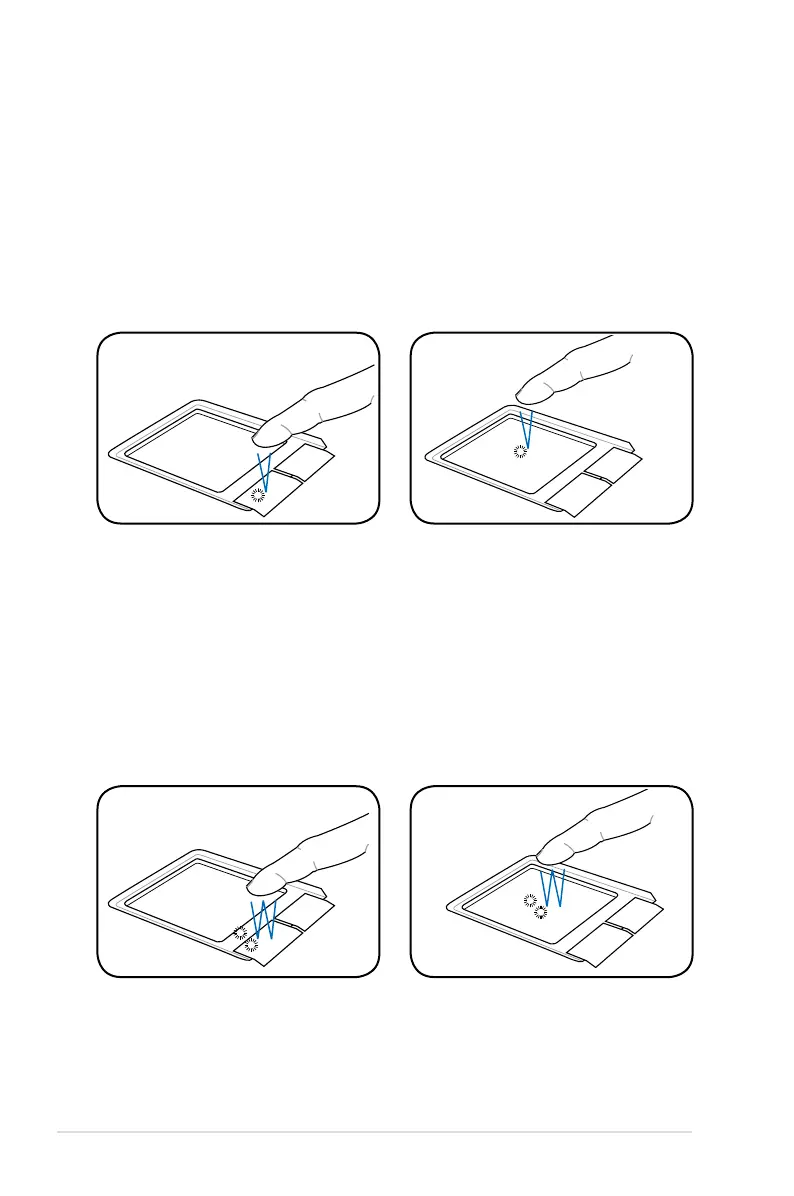
Clicking/Tapping - With the pointer over an item, press the left
button or use your fingertip to touch the touchpad lightly, keeping
your finger on the touchpad until the item is selected. The selected
item will change color. The following 2 illustrations produce the
same results.
Double-clicking/Double-tapping - This is a common skill for
launching a program directly from the corresponding icon you
select. Move the pointer over the icon you wish to execute, press the
left button or tap the pad twice in rapid succession, and the system
launches the corresponding program. If the interval between the
clicks or taps is too long, the operation will not be executed. The
following 2 illustrations produce the same results.














 To Next Page