ASUS Eee PC
3-5
Emergency Shutdown & Reset
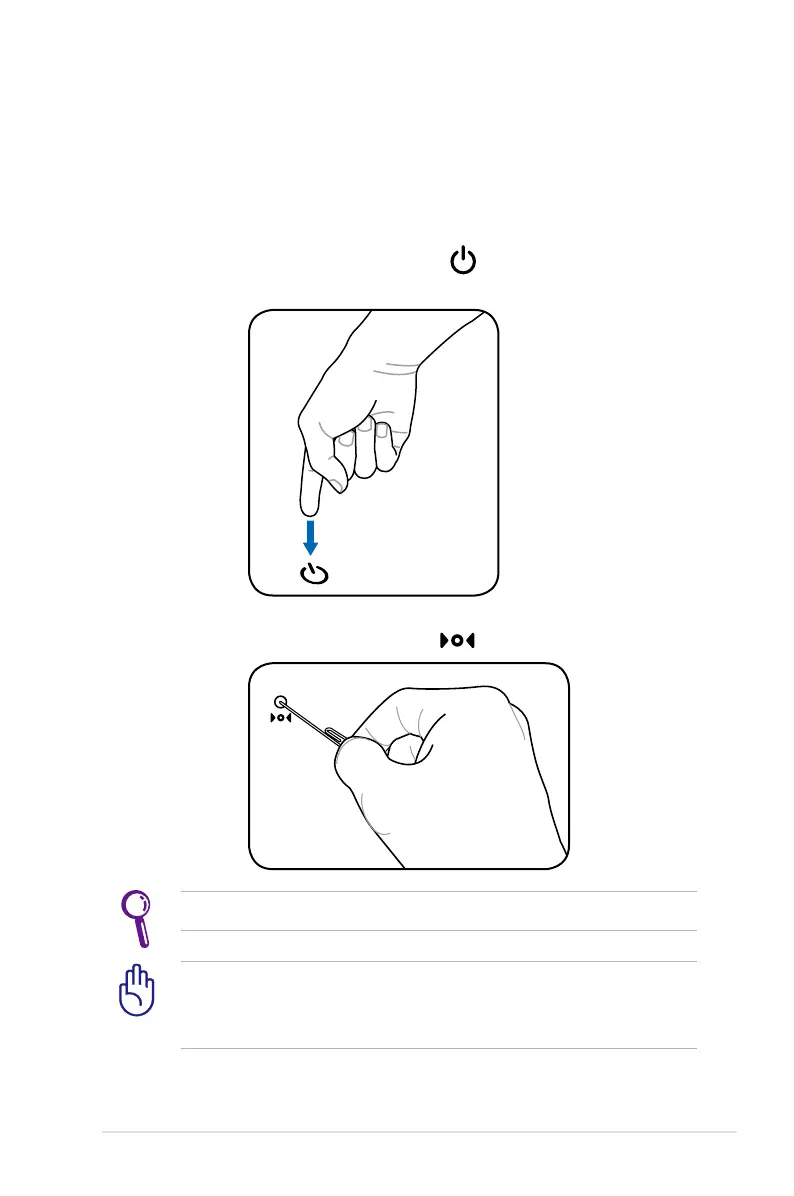
In case your operating system cannot properly turn OFF or restart,
there are additional ways to shutdown and reset your Eee PC:
Shutdown: Hold the power button until the system shuts
down.
DO NOT use emergency shutdown/reset while data is being
written or read; doing so can result in loss or destruction of your
data.
Use a pin or a straightened paper clip to press the reset button.
Reset: Press the reset button .














 To Next Page