4-40
Chapter 4: Using the Eee PC
Diagnostic Tools
The Diagnostic Tool helps you with easy trouble-shooting.
System Info.
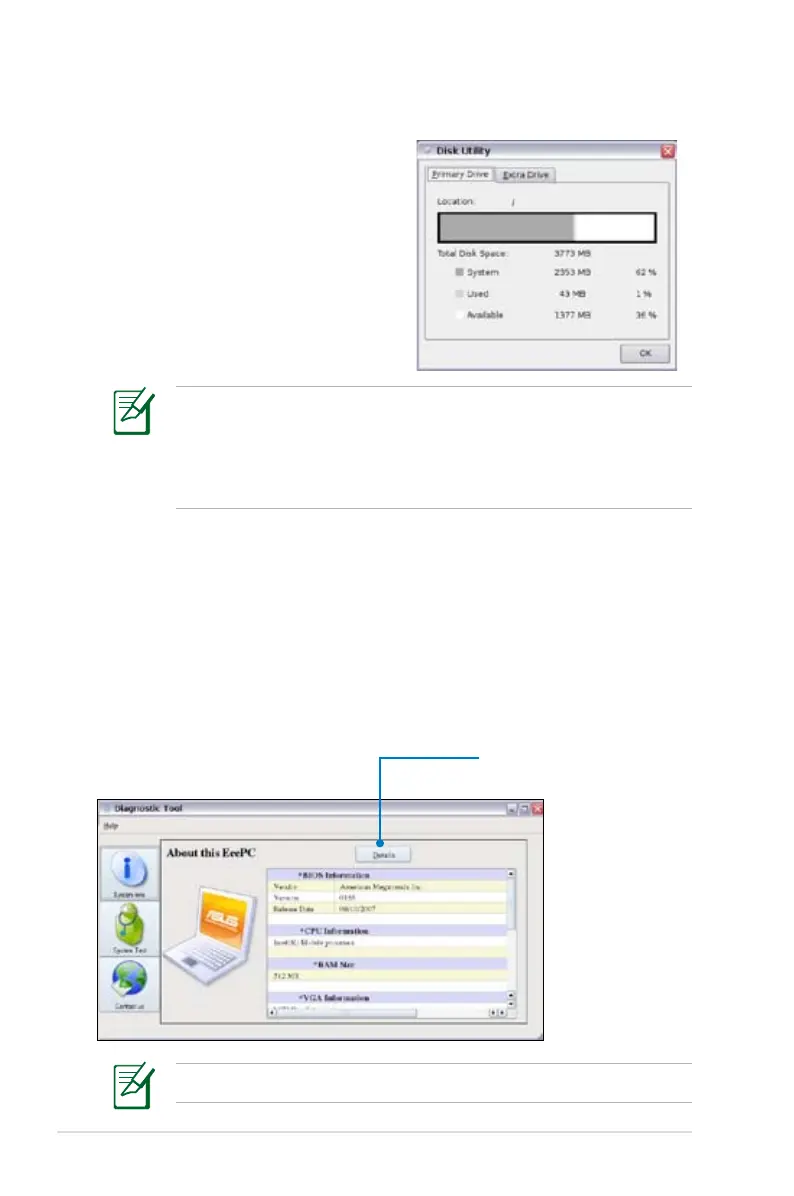
Click the System Info. button on the left to display the system
information.
Click to switch between system
information summary and
details
The system information varies depending on model.
Disk Utility
Selecting Disk Utility allows you to
check your Eee PC disk condition
including total disk space, the
used space, and the remaining
space. Click the tabs to switch the
displayed disk drive.
• Data in My Documents is stored in the Primary Drive and files
saved to My Documents 2 are located in the Extra Drive.
• Extra Drive may not be available for all Eee PC models.
• The disk space varies depending on model.














 To Next Page