ASUS Eee PC
4-3
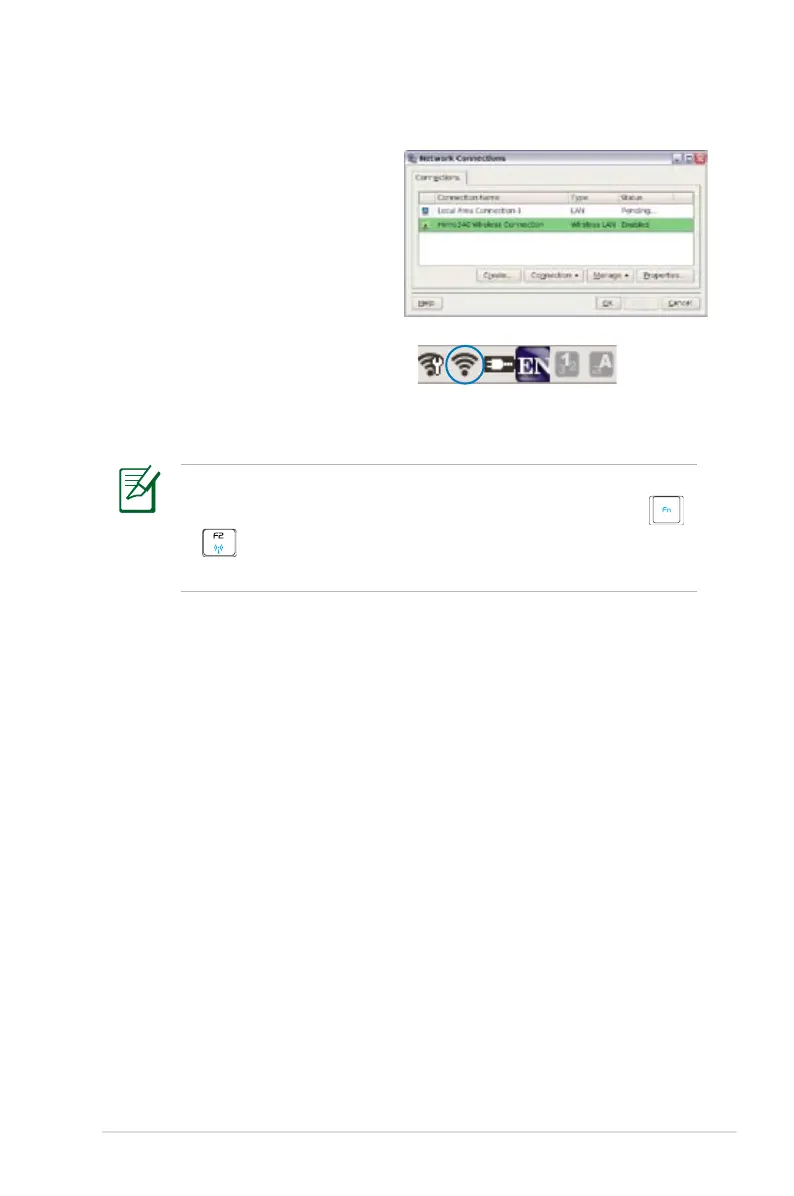
5. After a connection has been
established, the connection
is shown on the list.
6. You can see the wireless
signal strength bars in the
Notification area.
In Windows XP environment, the wireless connection icon
disappears when you disable the wireless LAN by pressing
+ (<Fn> + <F2>). Activate the wireless LAN function before
configuring a wireless network connection.














 To Next Page