4-8
Chapter 4: Using the Eee PC
Point-to-Point Protocol over Ethernet (PPPoE)
1. Repeat the step 1–2 of Using a static IP to start the PPPoE
network configuration.
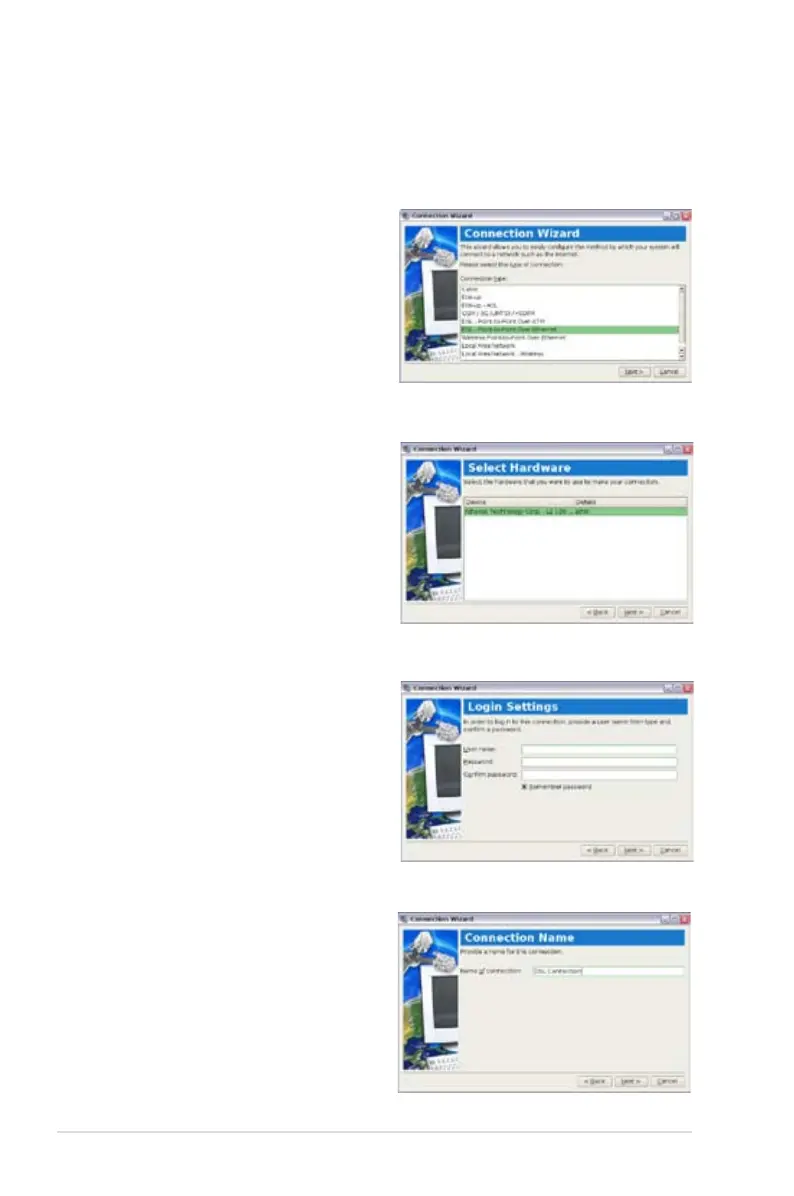
2. Select the type of connection
you are using and click Next.
3. Select the hardware that you
want to use to make your
connection and click Next.
5. Enter a name for this
connection and click Next.
4. Enter your user name and
password and click Next.














 To Next Page