4-10
Chapter 4: Using the Eee PC
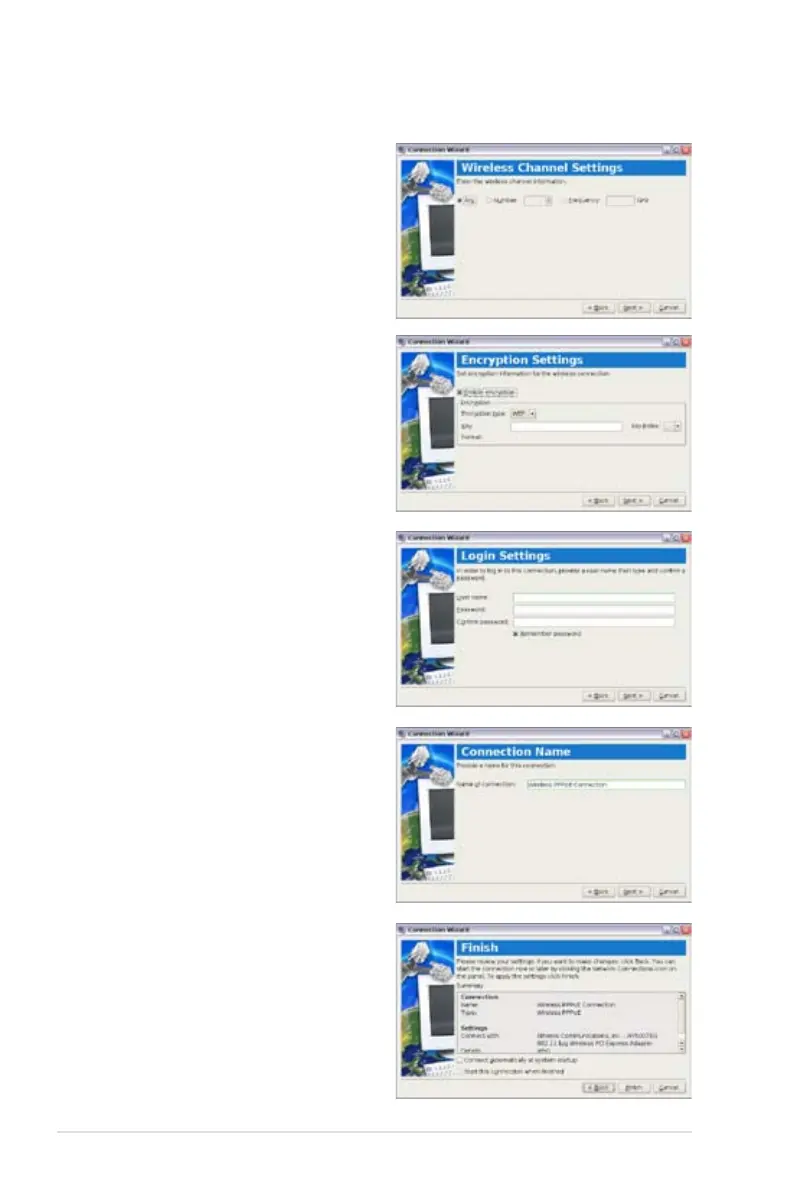
4. Enter the wireless channel
information and click Next.
5. Set the encryption
information for the wireless
connection and click Next.
6. Enter your user name and
password and click Next.
7. Enter a name for this
connection and click Next.
8. Click Finish to apply the
settings or click Back to
make changes.














 To Next Page