ASUS Eee PC
5-5
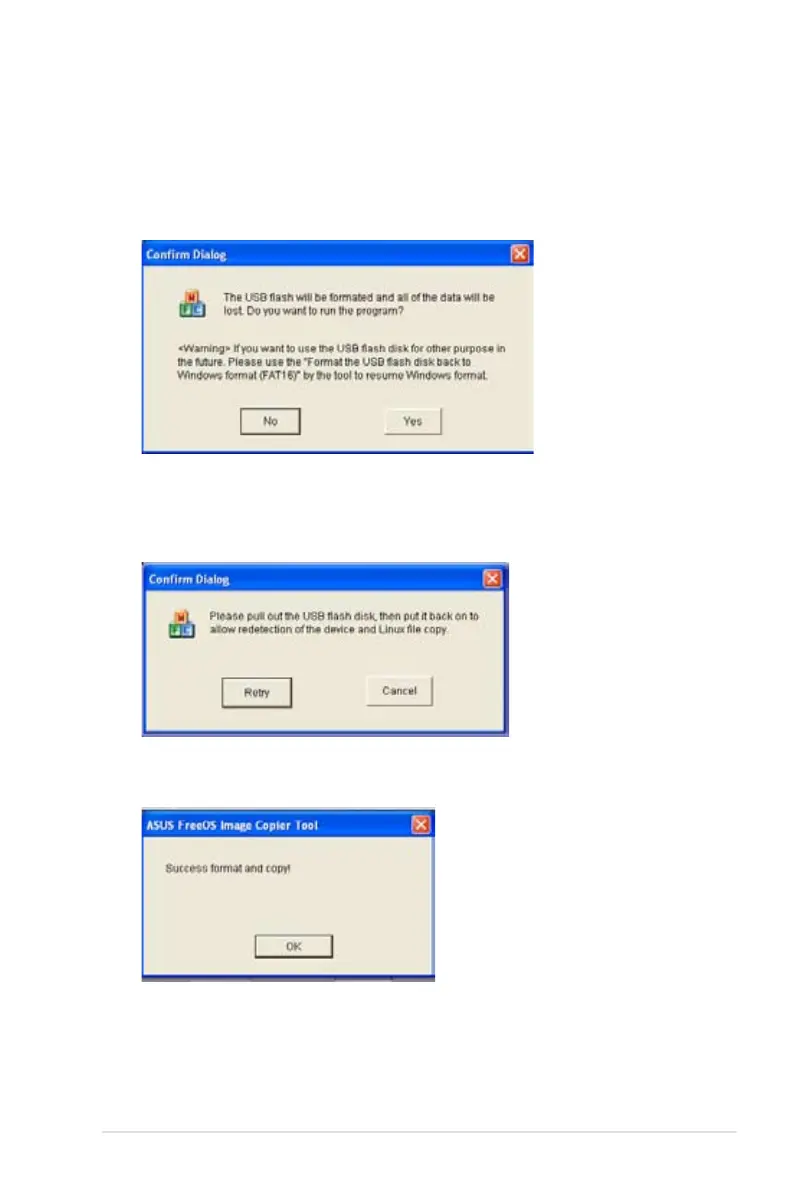
6. A dialog box appears. Follow the instructions to eject the USB
disk and replug it to your PC/NB. Click Retry to continue.
7. Click OK to complete the process.
4. Eject the Support CD, insert the Recovery DVD, and click Run.
5. Click Yes to continue. The system starts formatting your USB
flash disk.














 To Next Page