ASUS Eee PC
5-7
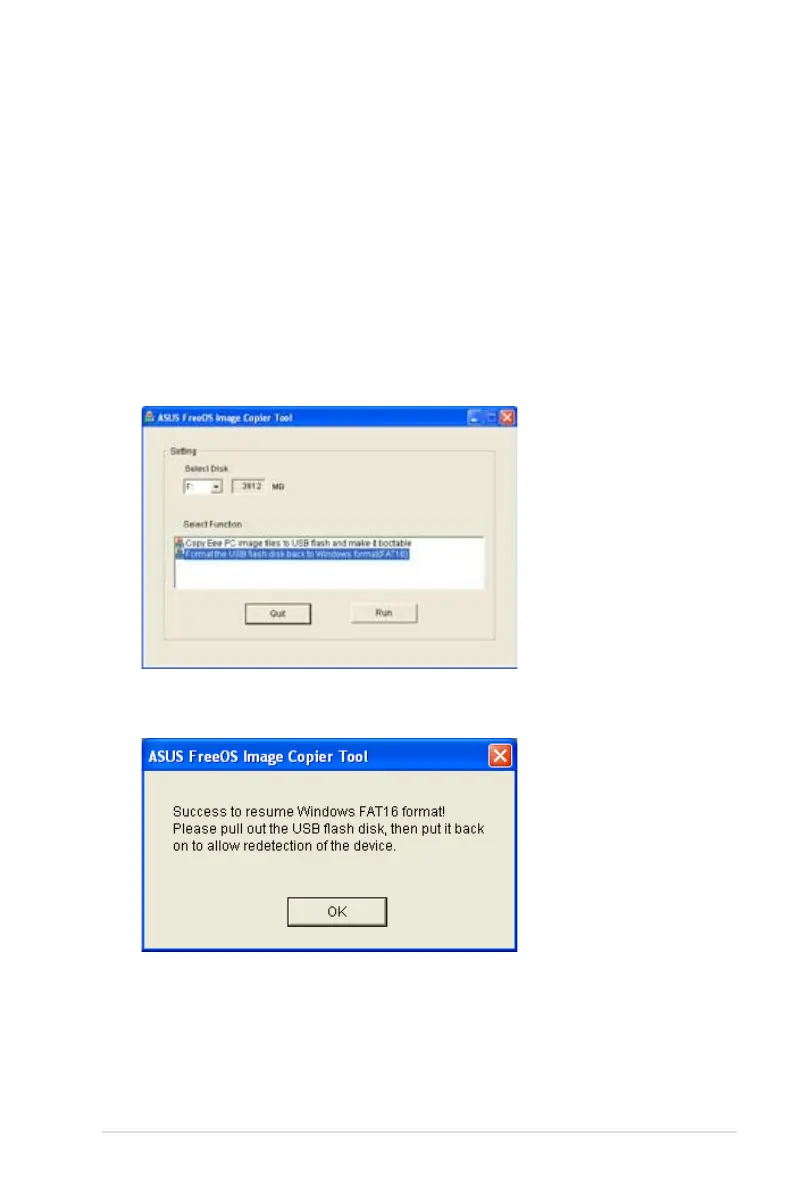
Reformatting the USB flash disk
To use the USB disk on your Windows operating system normally,
follow the instructions below to reformat your USB disk.
1. Connect your USB flash disk to another PC/NB and insert the
Support CD to that PC/NB at the same time.
2. Click Utilities on the left and select ASUS Linux USB Flash
Utility.
3. Select Format the USB flash disk back to Windows format
(FAT16) and click Run.
4. Click OK to complete the disk formatting.














 To Next Page