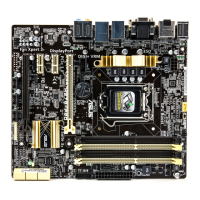
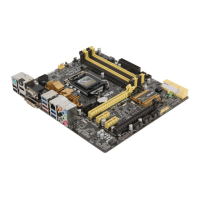
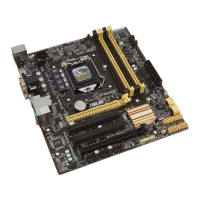
ASUS H87-PLUS
1-17
Chapter 1
1.2.9 Internal connectors
1. Intel
®
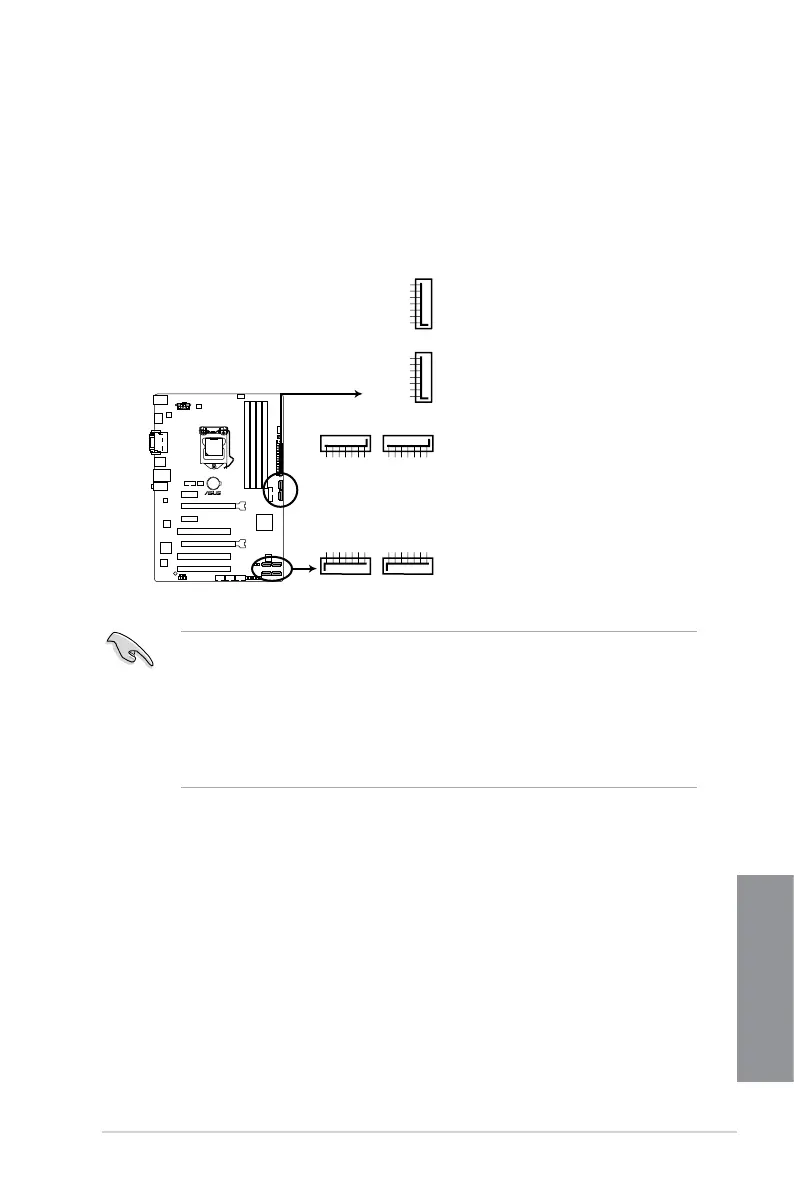
H87 Serial ATA 6.0 Gb/s connectors (7-pin SATA6G_1-6)
These connectors connect to Serial ATA 6.0 Gb/s hard disk drives via Serial ATA 6.0
Gb/s signal cables.
If you installed Serial ATA hard disk drives, you can create a RAID 0, 1, 5, and 10
conguration with the Intel
®
Rapid Storage Technology through the onboard Intel
®
H87
chipset.
• These connectors are set to [AHCI] by default. If you intend to create a Serial ATA
RAID set using these connectors, set the SATA Mode item in the BIOS to [RAID].
Refer to section 3.6.3 SATA Conguration for details.
• Before creating a RAID set, refer to section
5.1 RAID congurations or the manual
bundled in the motherboard support DVD.
• When using hot-plug and NCQ, set the type of the SATA connectors in the BIOS to
[AHCI]. See section 3.6.3 SATA Conguration for details.
SATA6G_1
GND
RSATA_TXP1
RSATA_TXN1
GND
RSATA_RXN1
RSATA_RXP1
GND
SATA6G_2
GND
RSATA_TXP2
RSATA_TXN2
GND
RSATA_RXN2
RSATA_RXP2
GND
SATA6G_6
GND
RSATA_RXP6
RSATA_RXN6
GND
RSATA_TXN6
RSATA_TXP6
GND
SATA6G_5
GND
RSATA_RXP5
RSATA_RXN5
GND
RSATA_TXN5
RSATA_TXP5
GND
SATA6G_4
GND
RSATA_TXP4
RSATA_TXN4
GND
RSATA_RXN4
RSATA_RXP4
GND
SATA6G_3
GND
RSATA_TXP3
RSATA_TXN3
GND
RSATA_RXN3
RSATA_RXP3
GND
H87-PLUS
H87-PLUS Intel
®
SATA 6.0Gb/s connectors


 To Next Page